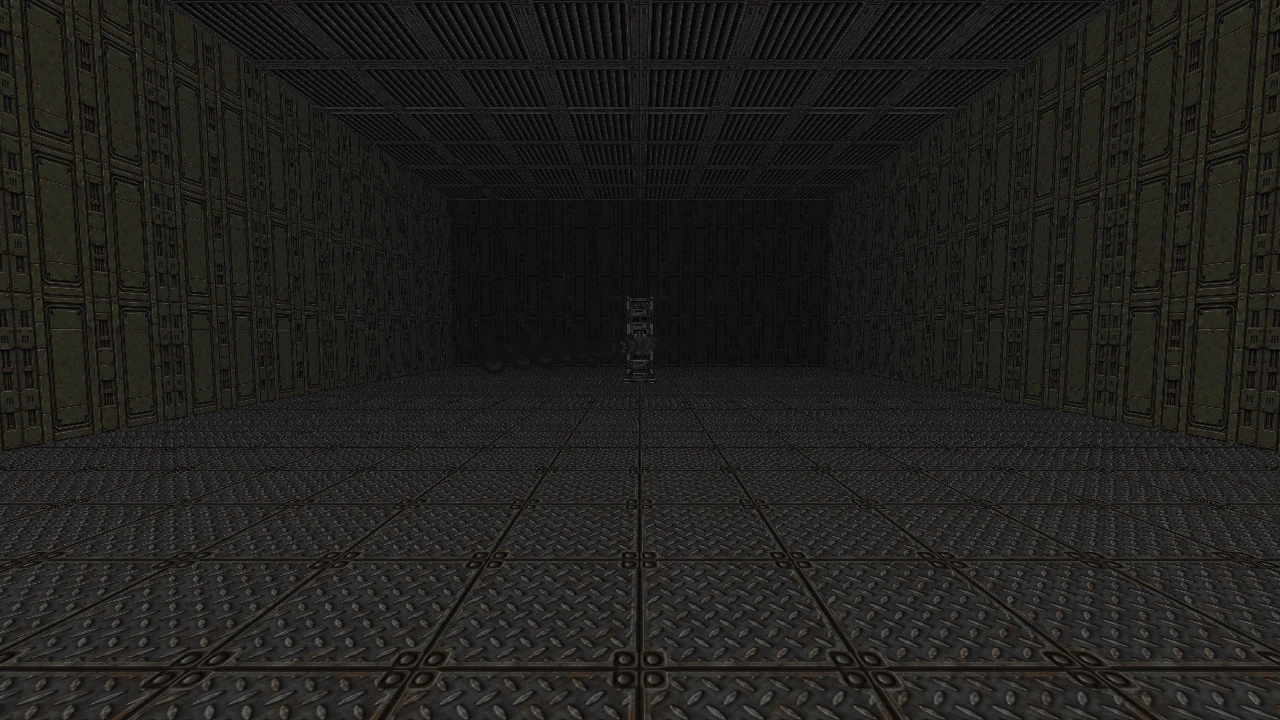
Build spaces, not workarounds.
Stack floors, shape slopes and connect nested sectors. Edit whole room groups, paint shared surfaces and see every valid change immediately in Live 3D.
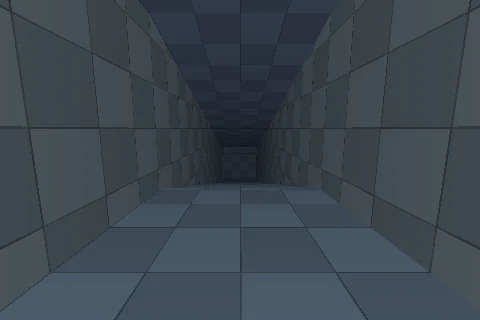 Room over room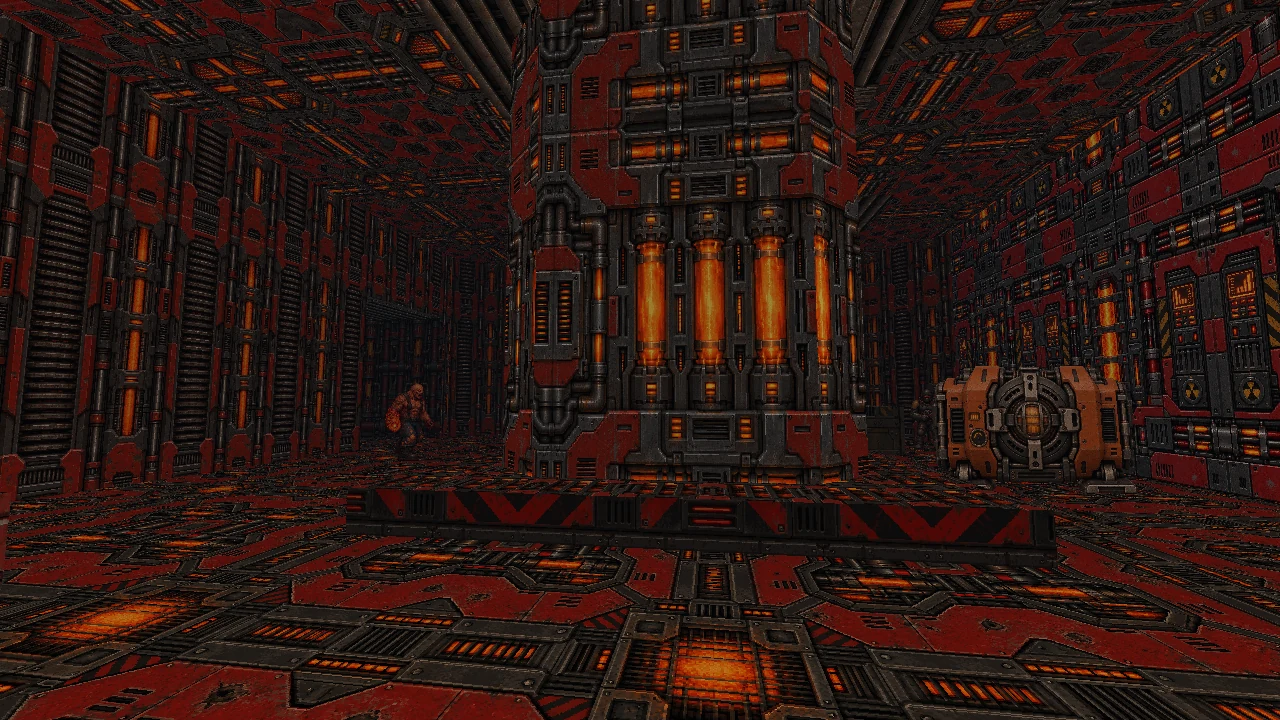
INDEPENDENT ENGINE. UNLIMITED IMAGINATION.
Old-school FPS energy. A modern creative toolkit. Build layered worlds, craft your arsenal, and step straight into the action.
BlastIII brings the hands-on spirit of classic sector editing into a connected toolkit. Draw the space. Give it atmosphere. Make it playable.
Stack floors, shape slopes and connect nested sectors. Edit whole room groups, paint shared surfaces and see every valid change immediately in Live 3D.
Room over roomAssemble photographic sci-fi parts, animate their mechanisms and author the shot itself. Sockets, timelines, ejected parts, beams and layered projectiles share one creative workflow.
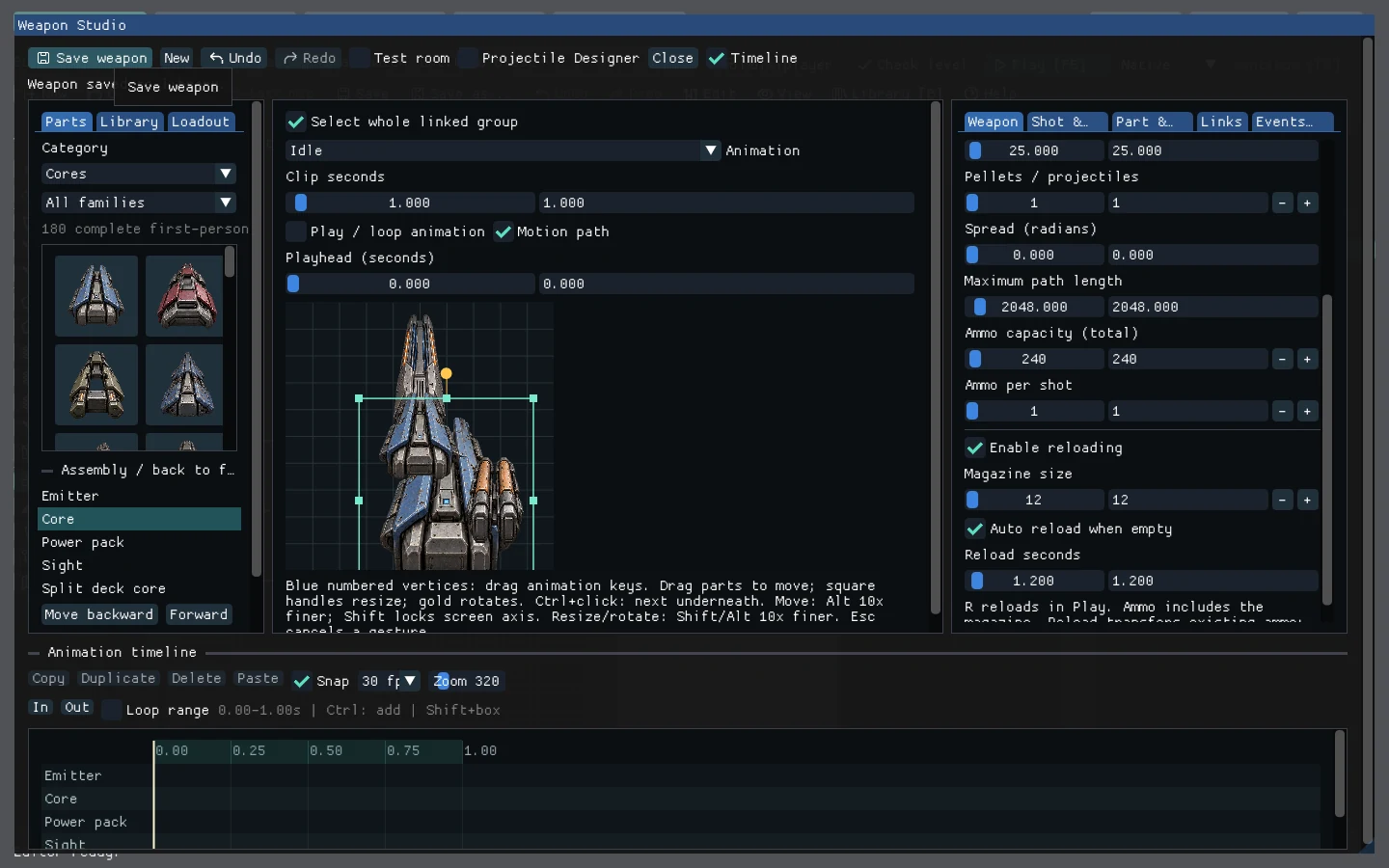 Assemble from parts
Slow the world while keeping an edge in movement. Refractive shot wakes, physical debris, persistent blood, surface fire and spatial sound give combat a tangible aftermath.
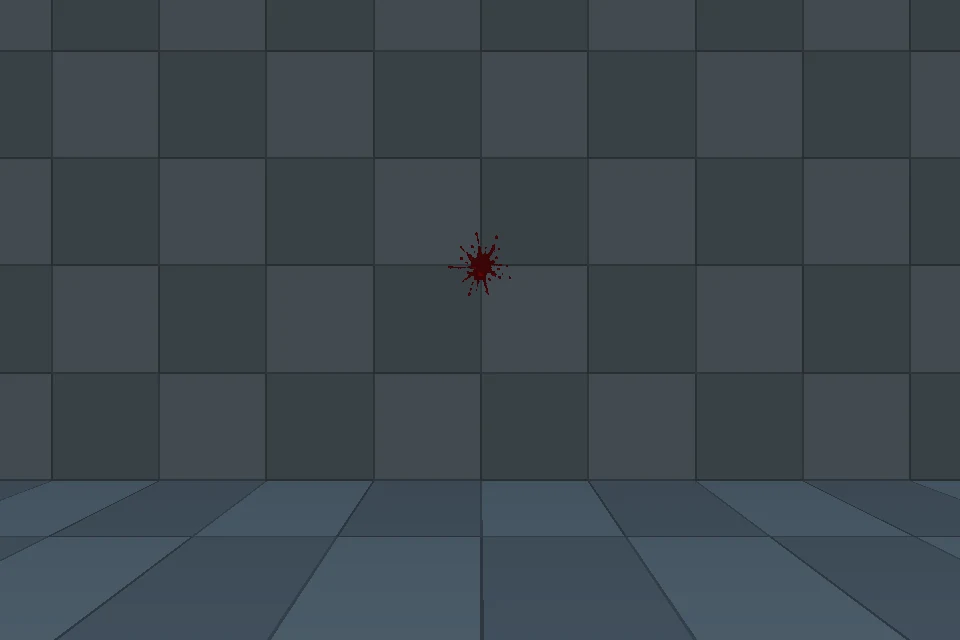 The aftermath stays
Build a linked campaign or a competitive arena. Play with bots, connect through direct IP, and export a standalone game with its own title, presentation, settings and saves.
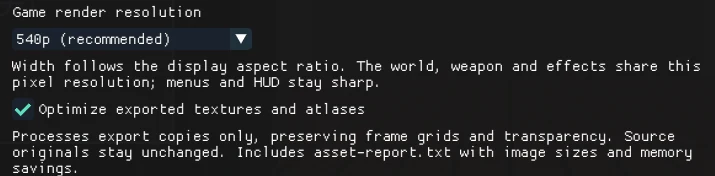 Export resolution and assets
Bullet time is available in campaign and offline bot matches. Online multiplayer uses shared real-time simulation.
From the shape of a room to the sound of a shot. Explore the tools and systems that make a complete FPS possible.
Concave rooms, nested interiors, room-over-room floors and sloped planes. Extrude a connected room from a selected wall, then shape bridges, elevated walkways and vertical routes from editable sector geometry.
Room over roomWatch the editor workflows Move, scale and rotate rooms, edges or vertices in groups. Copy only chosen room-property categories, align wall textures and preview arrays of 1–64 additional copies with explicit X/Y spacing.
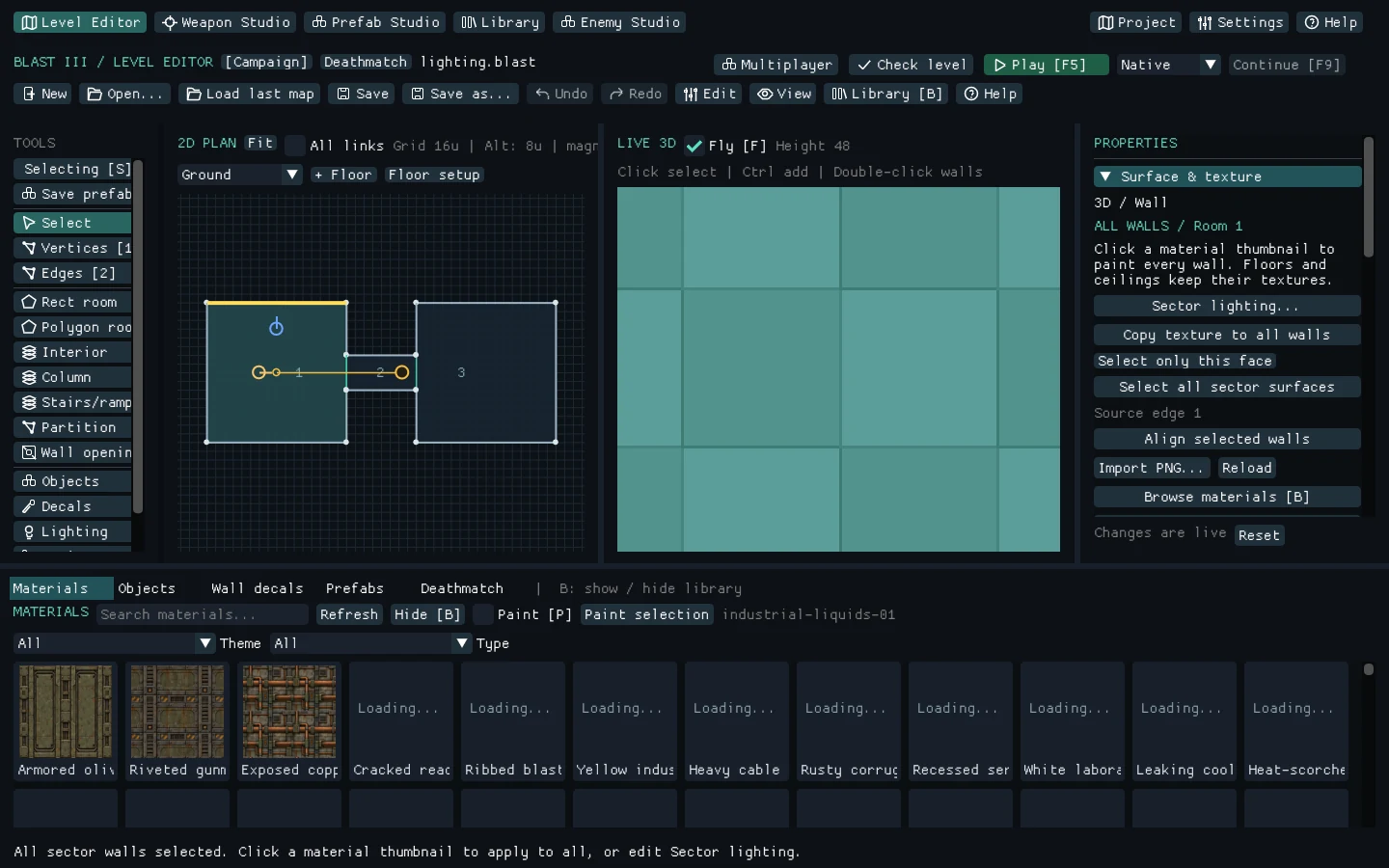 Shared surface editingSee extrusion and repeat previews
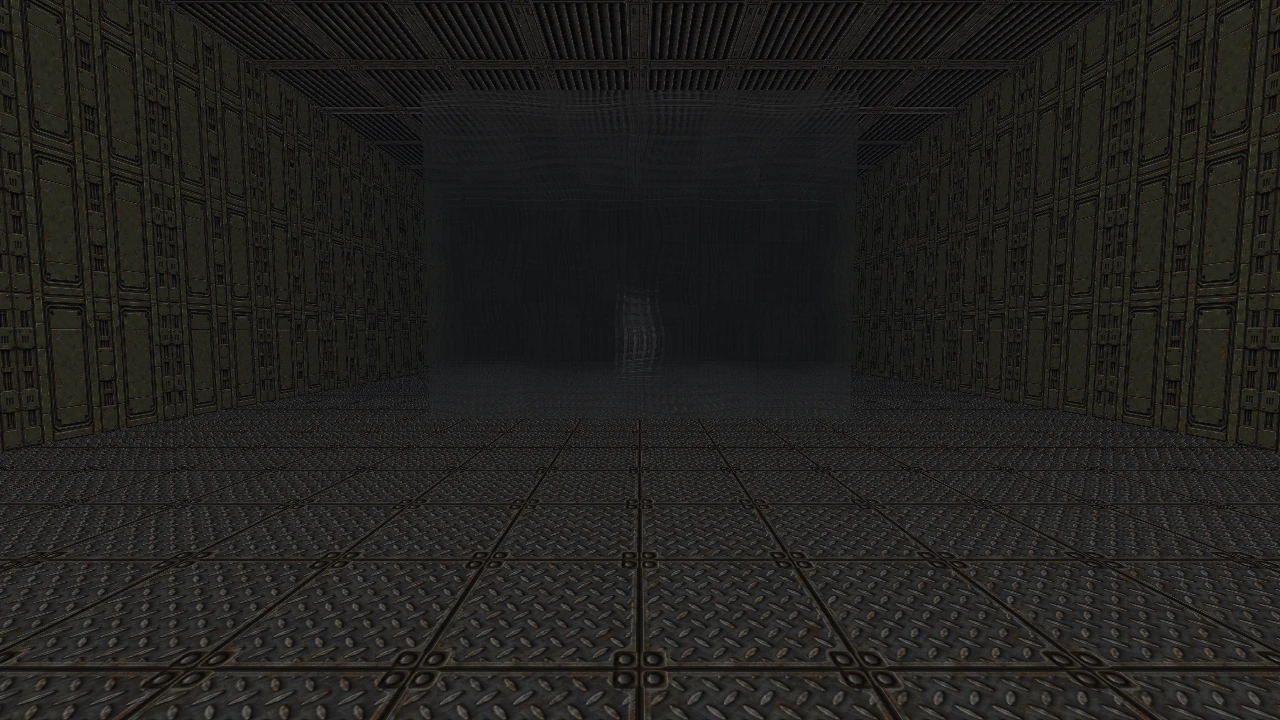
 Point lights and spotlights cast geometry and scenery shadows. Add animated materials, scrolling surfaces, outdoor sky, wall decals, cutout grilles and glass with adjustable refraction and blur.
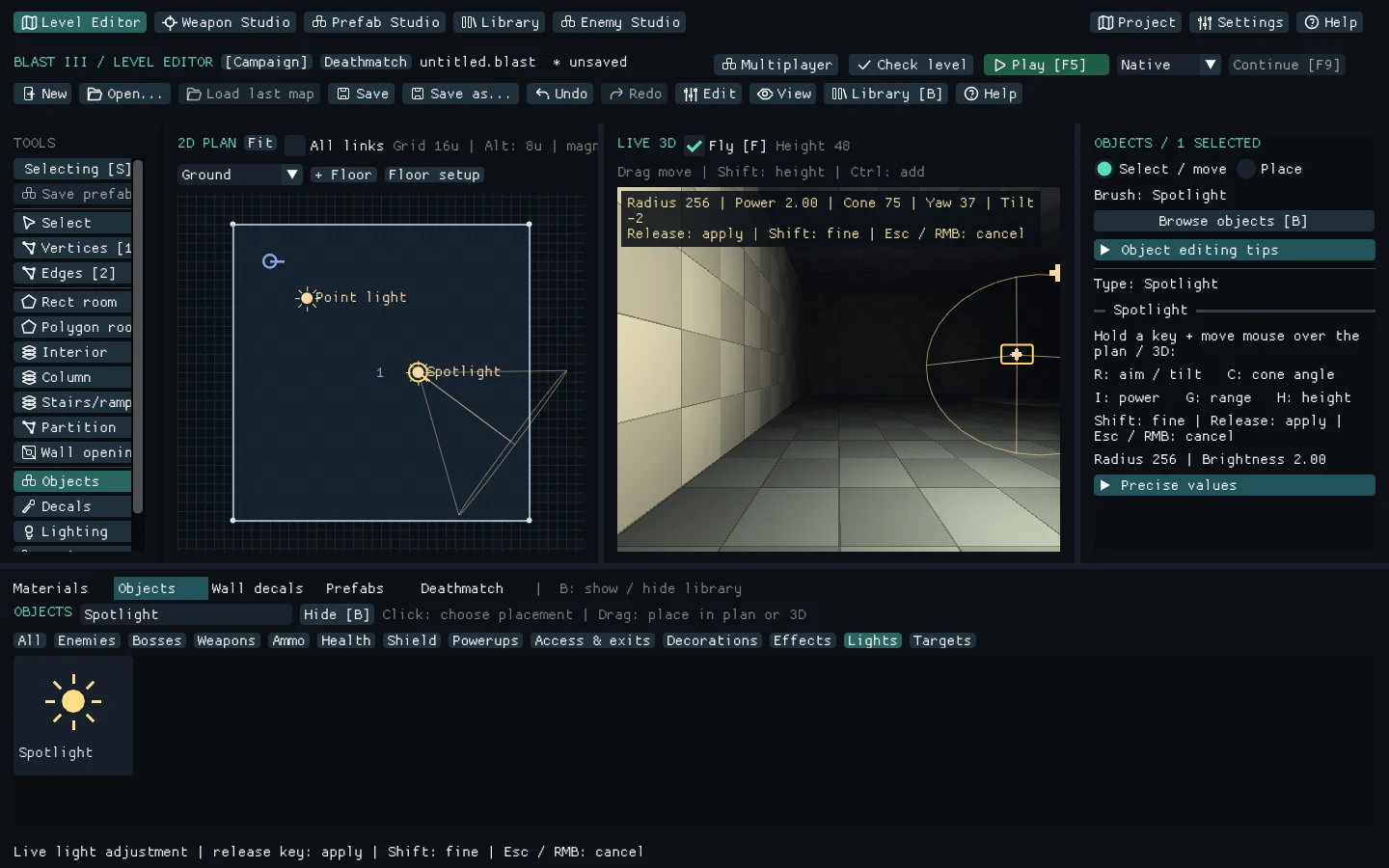 Light the spaceCompare lighting and glass
 Capture individual constructions or groups of rooms with their objects, nested contours, decals, partitions and internal links. Refine them in Prefab Studio, then place independent copies with portable textures.
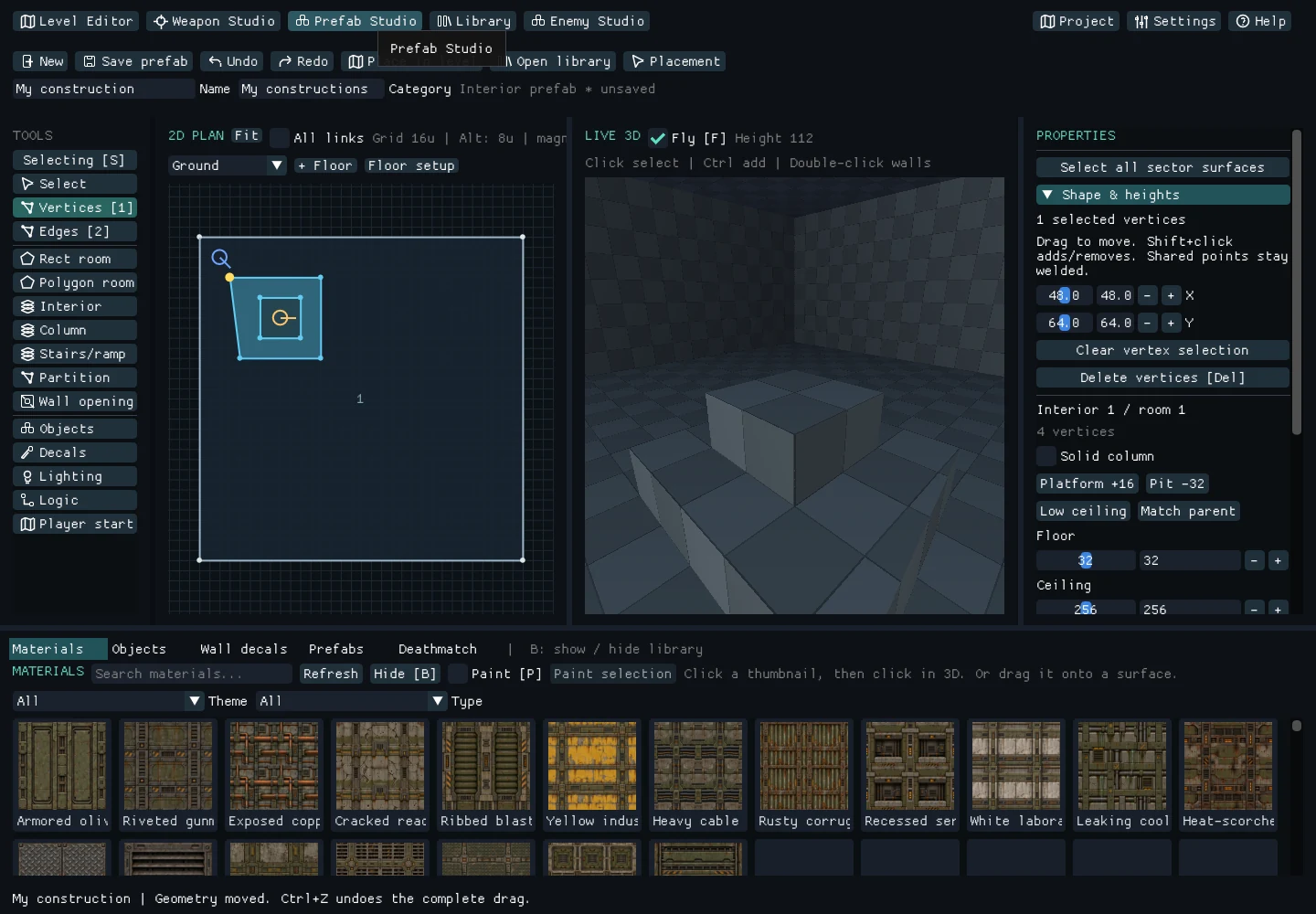 Reusable constructionsWatch a prefab workflow
 Compose independent sci-fi components with parenting, layers, source crops, mirroring and per-part colour. Assign saved designs to existing weapon and pickup slots.
Assemble from partsAuthor Idle, Fire and Reload on a visual timeline. Edit motion paths, attach sockets and time shot, sound, casing, muzzle and smoke events to the animation.
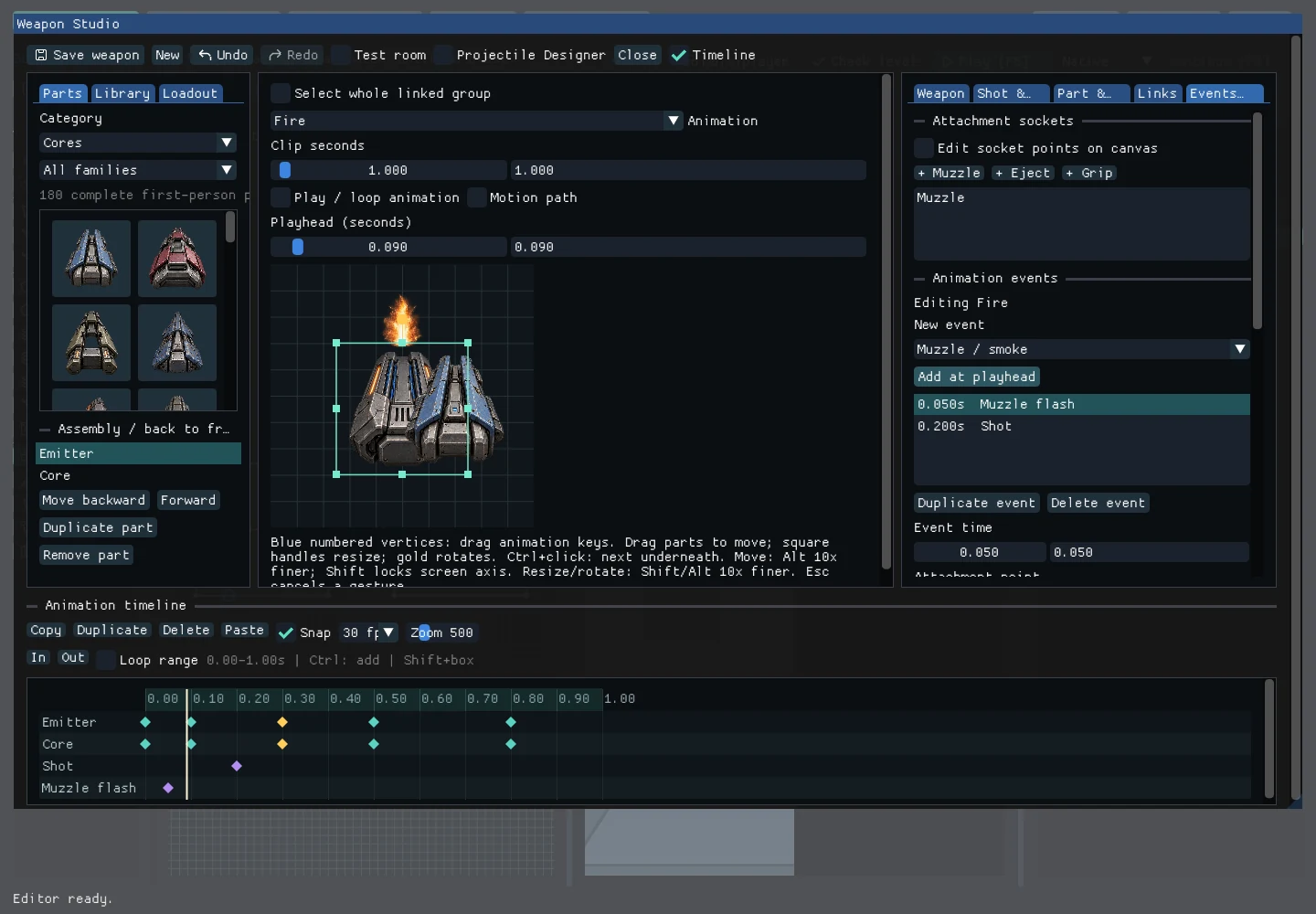 Time the mechanism
Layer projectile artwork, tune colour and animation, and choose trail and impact visuals. Author instant or travelling laser beams alongside physical projectiles.
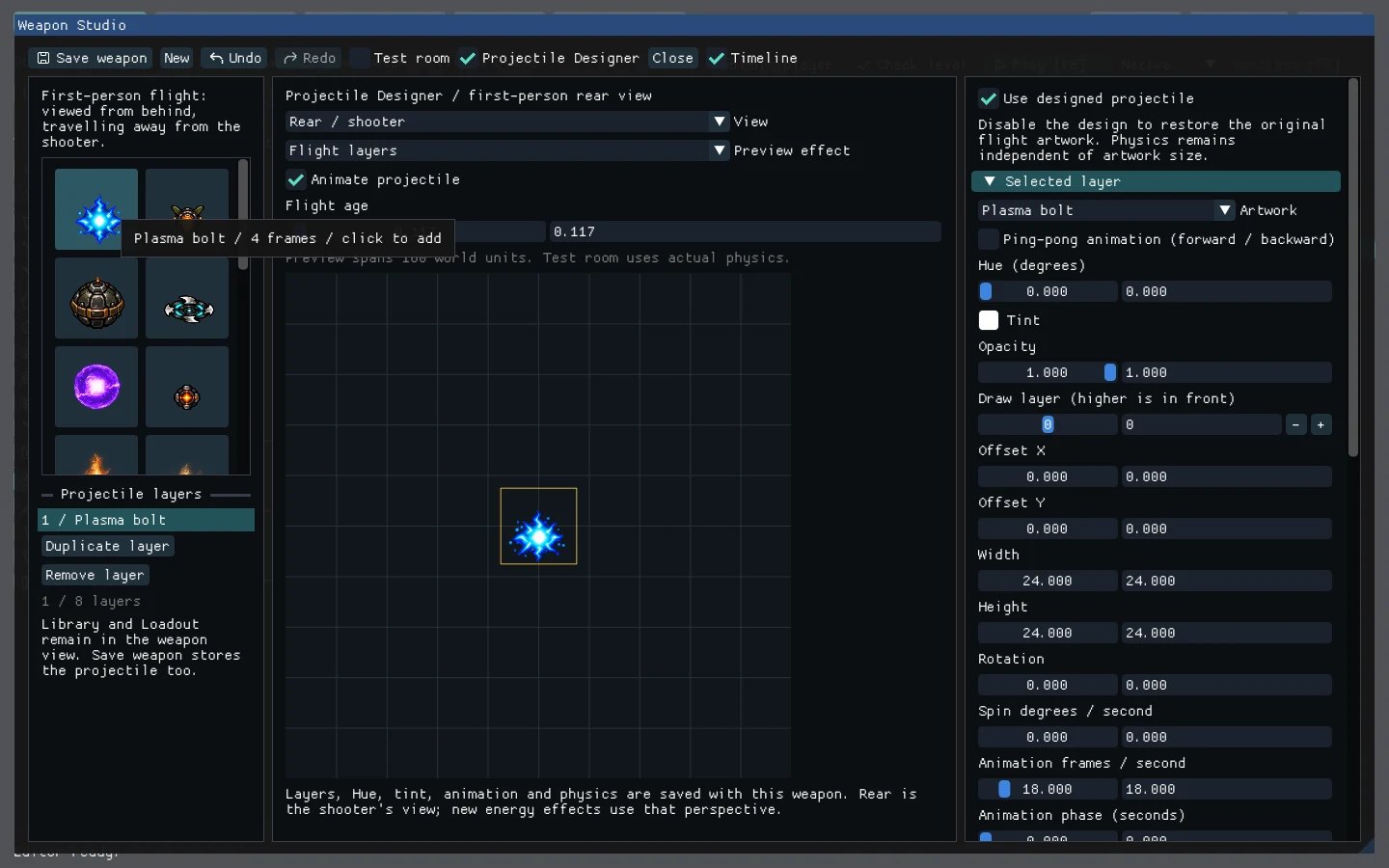 Design the projectile
Adjust weapon width and height, damage, ammunition, firing cadence, recoil and projectile behaviour. Position multiple muzzle and smoke attachments with their own timing, colour and draw order.
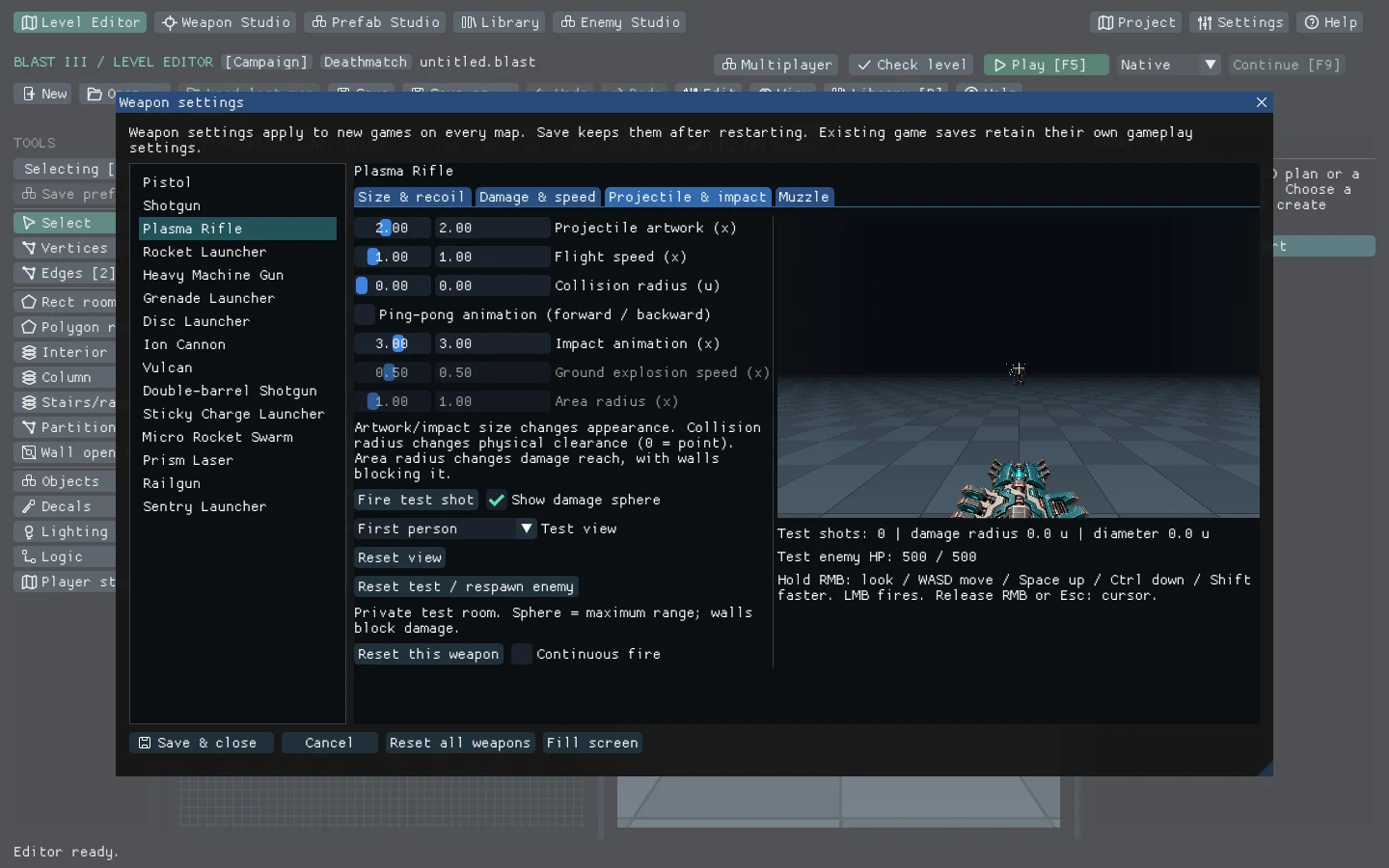 Tune the built-in weapons
Reflected Prism Laser beams, piercing Railgun shots, sticky charges, Micro Rocket Swarms and deployable Sentry turrets bring distinct behaviours to the built-in arsenal. Their pickups and optional enemy drops use the same authoring workflow.
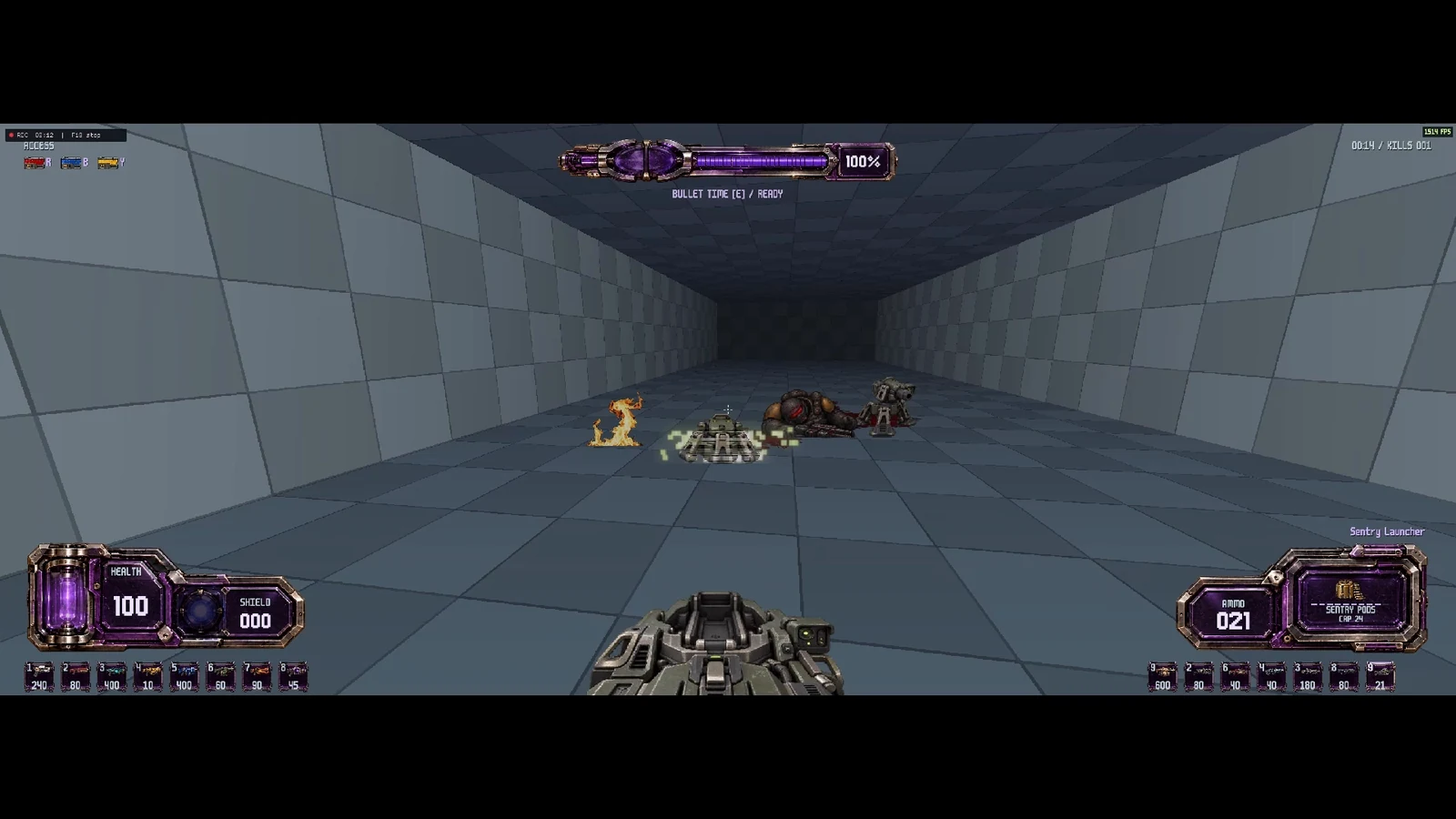 Deploy a sentry
Bullet time slows the world to quarter speed while player movement retains an advantage. Shot paths create refractive pressure wakes through the scene; world sound follows the slowed clock.
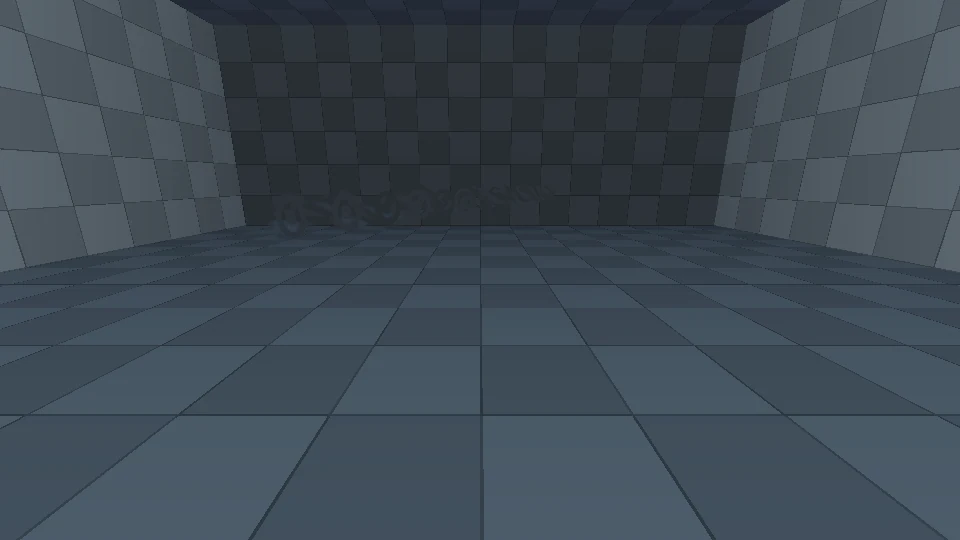 Refractive shot wakesReveal the refractive wake
 Author enemy groups, triggered waves, group-clear actions and death drops. Ground and flying enemies navigate the actual level, while bosses bring distinct attack patterns and enraged phases.
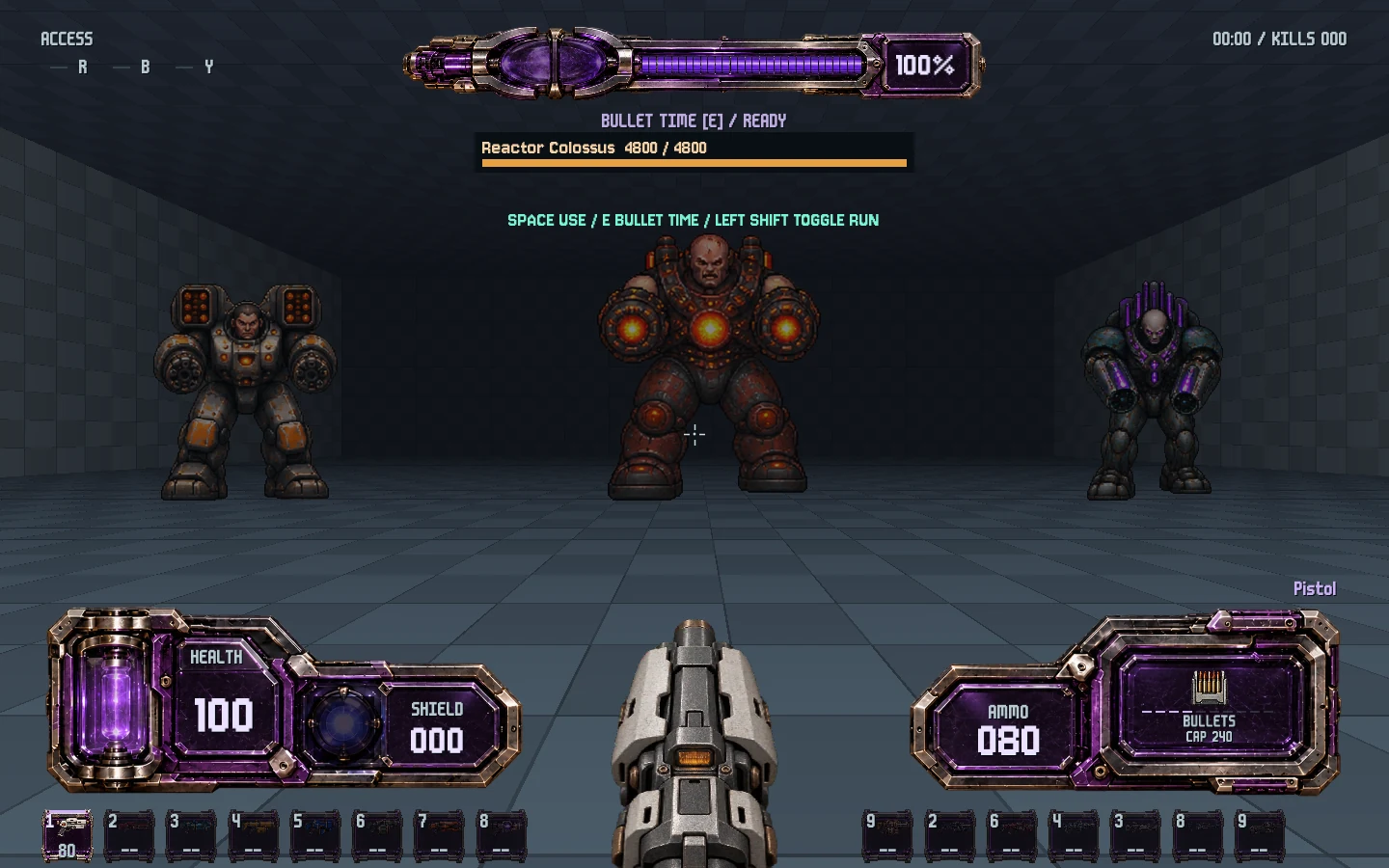 Build the encounter
Debris, casings and fragments collide and settle. Blood stays attached to surfaces, explosions respect foreground geometry, and residual fire follows the floor, wall or ceiling it touches.
The aftermath staysDraw arbitrary polygon masks over the original enemy views. Preview dismemberment with the same physics used in play, then keep the profiles with the enemy assets.
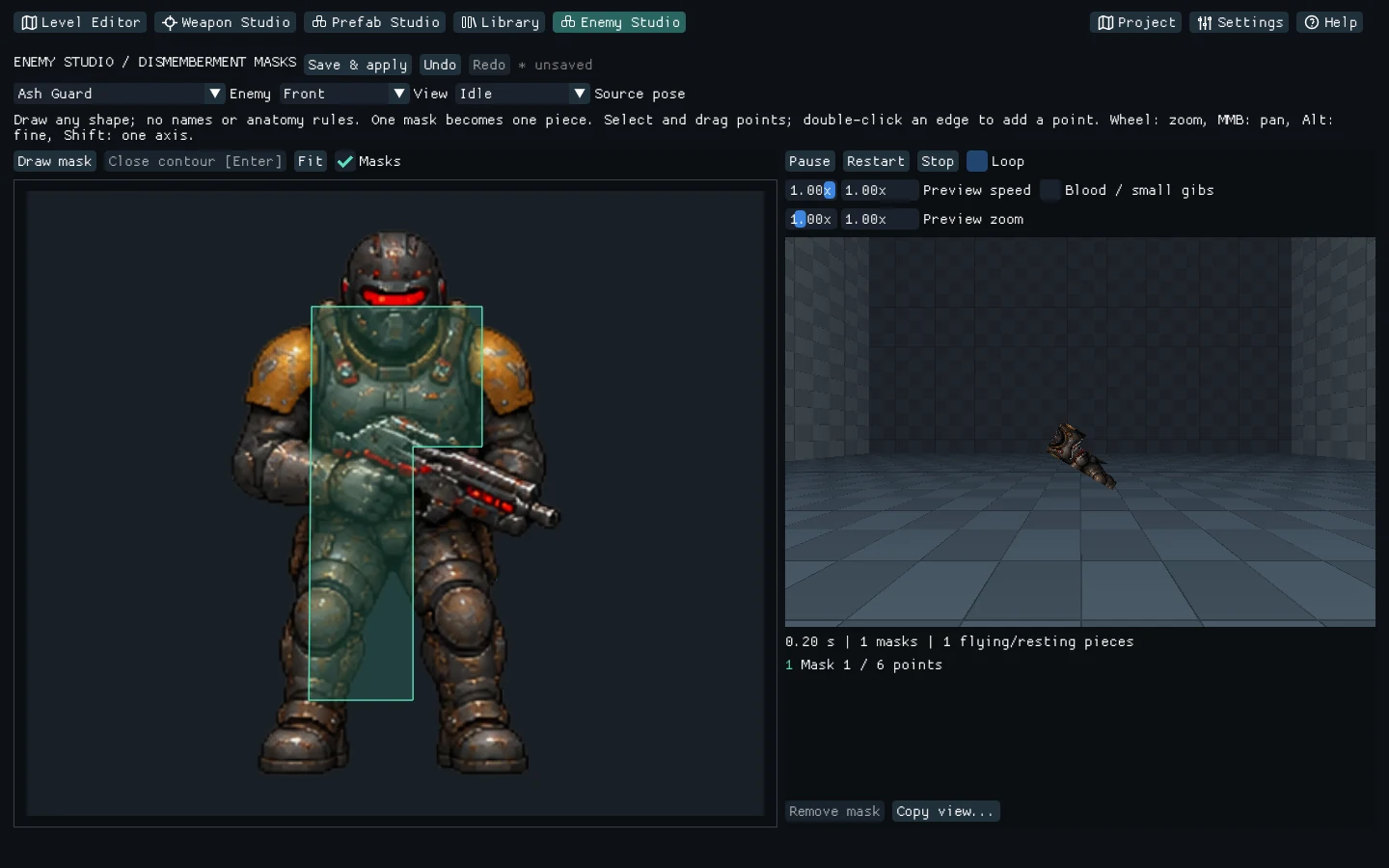 Preview the breakup
Enemy voices, weapon impacts, explosions, casing contacts, doors and lifts use positional sound. Personal feedback remains centred as the listener moves and turns.
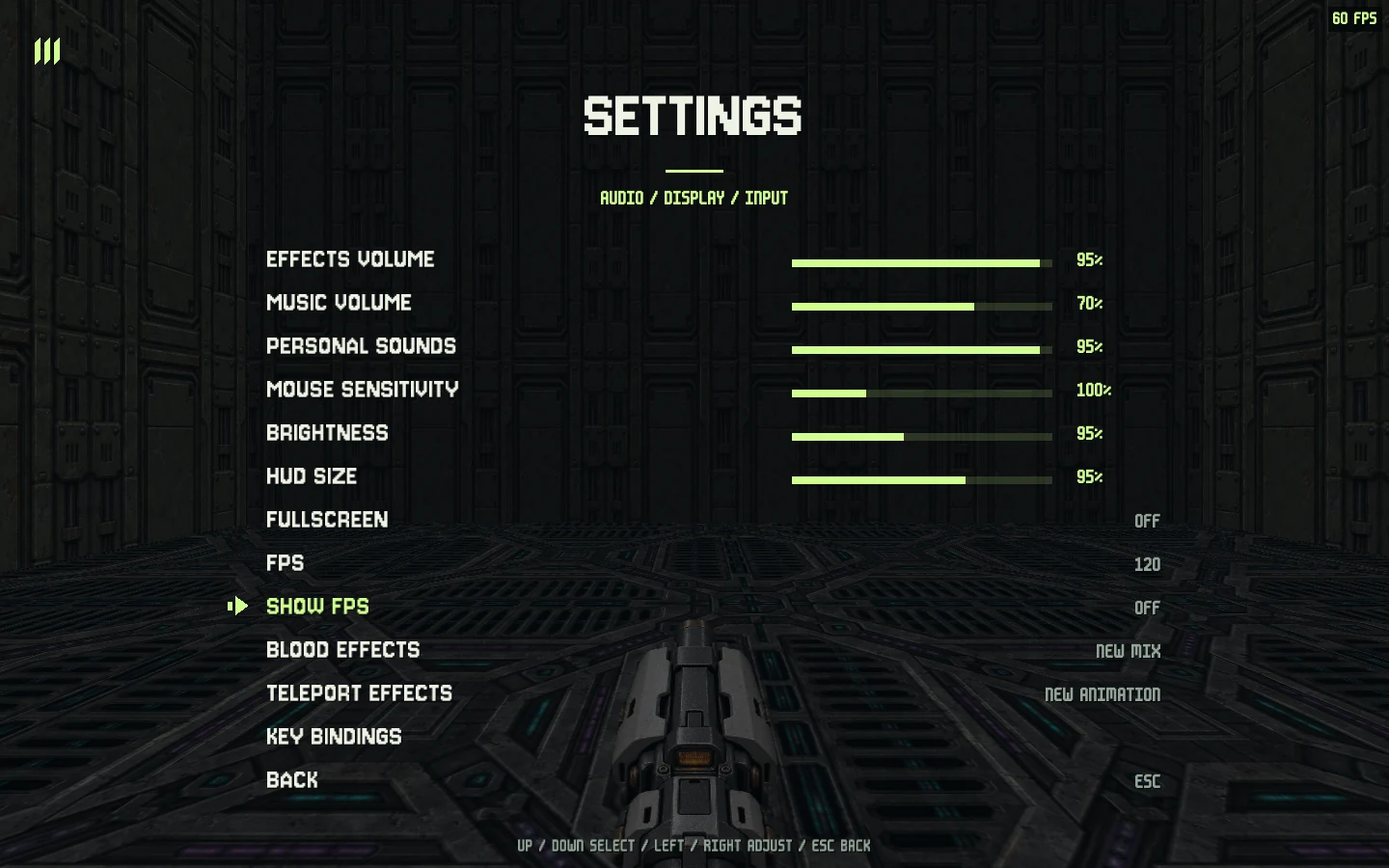 Control the audio mixHear left, front and right
 Add, replace or remove effect WAVs while testing. The engine discovers the changes during Play, so iterating on an event does not require rebuilding the game.
Time the mechanismSelect an optional OGG Vorbis or MP3 track per level. Stereo streaming and an independent music level preserve the recording's character through pause and slow-motion combat.
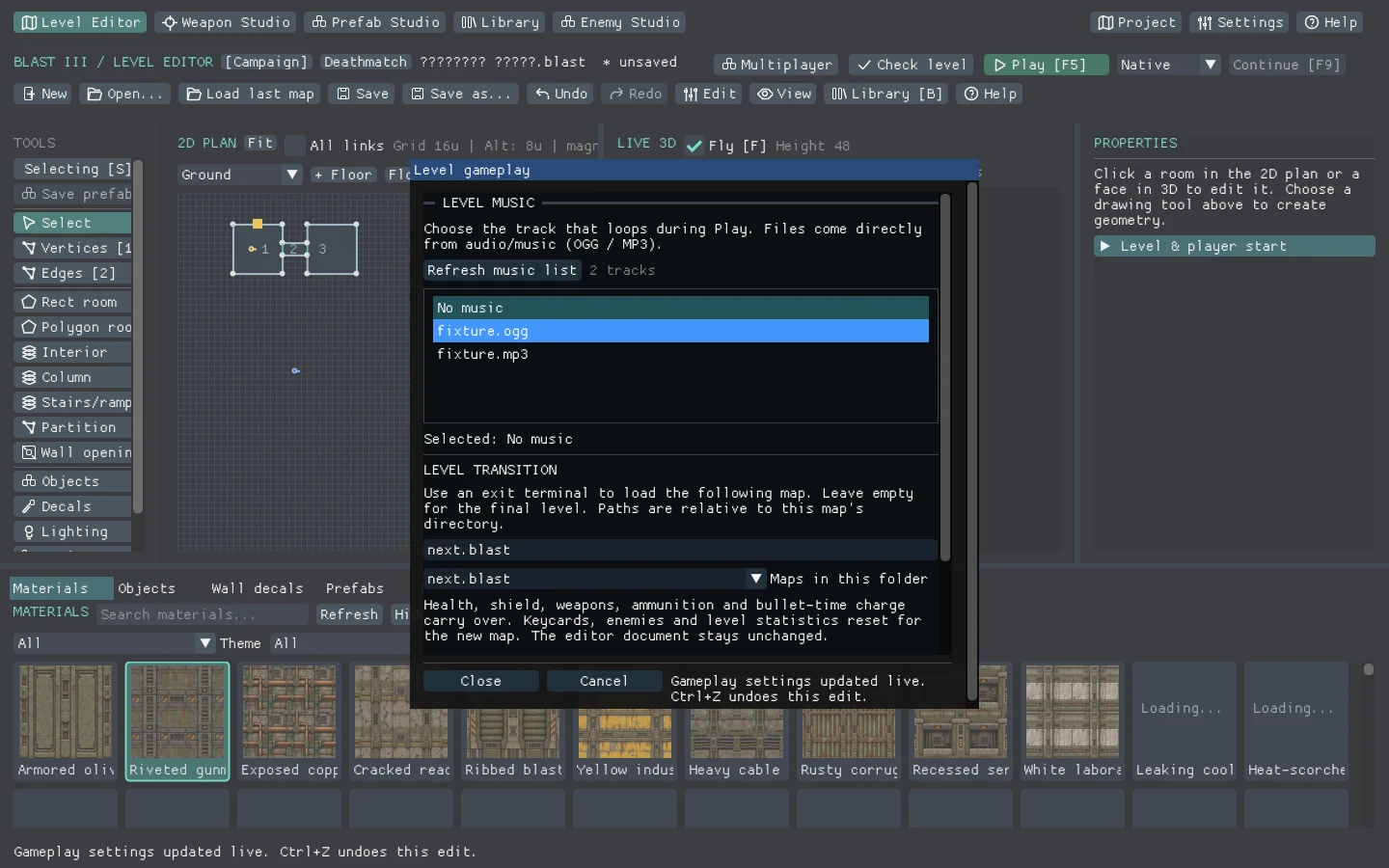 Music per level
World effects change speed and pitch with bullet time, including sounds already playing. Personal transition and heartbeat recordings keep their original speed.
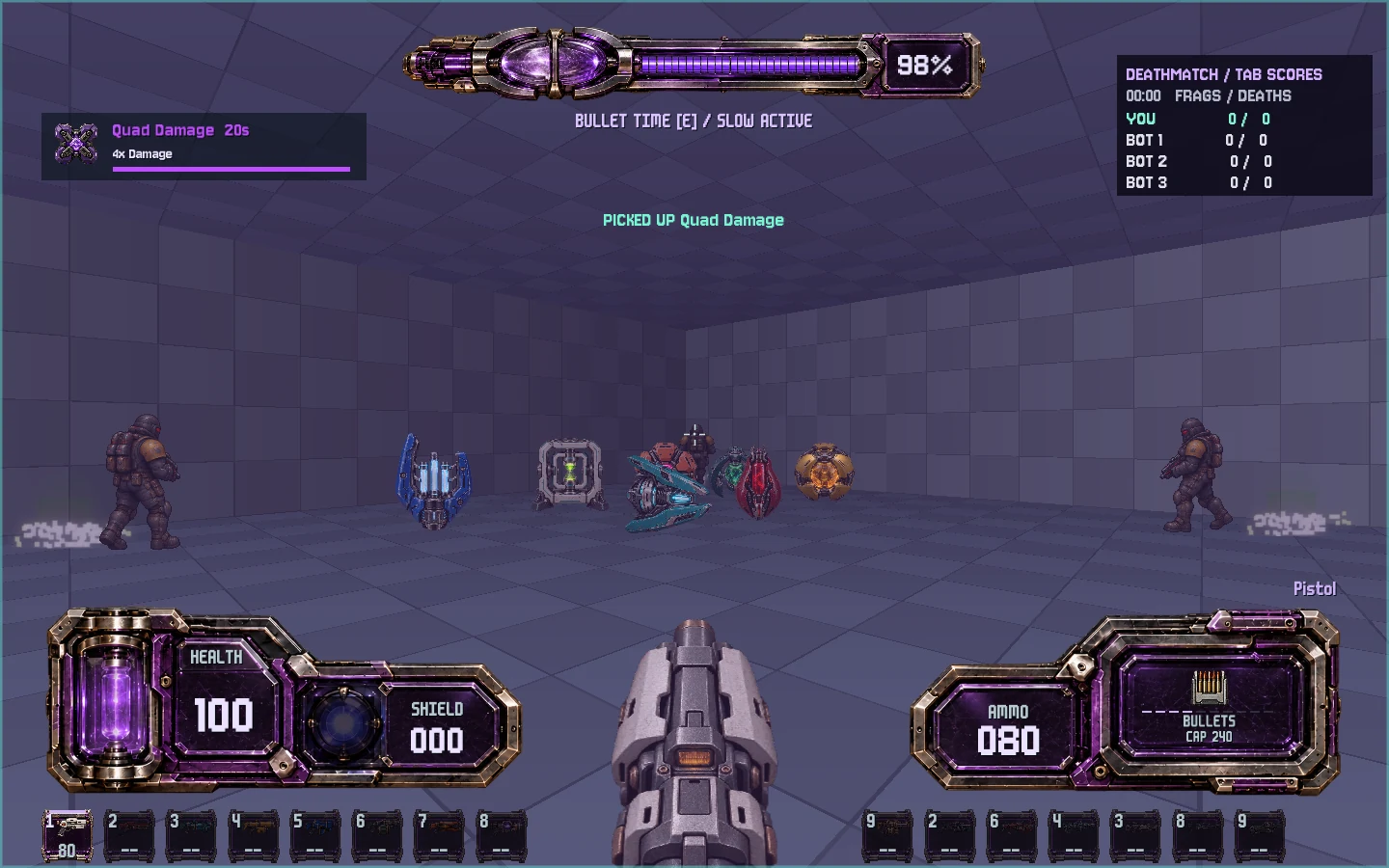 Powerup feedback in PlayHear the two audio clocks
 Host or join direct-IP games for 2–8 players. Cooperative campaigns share access cards and carry the team's equipment between linked levels; Deathmatch uses authored arena spawns.
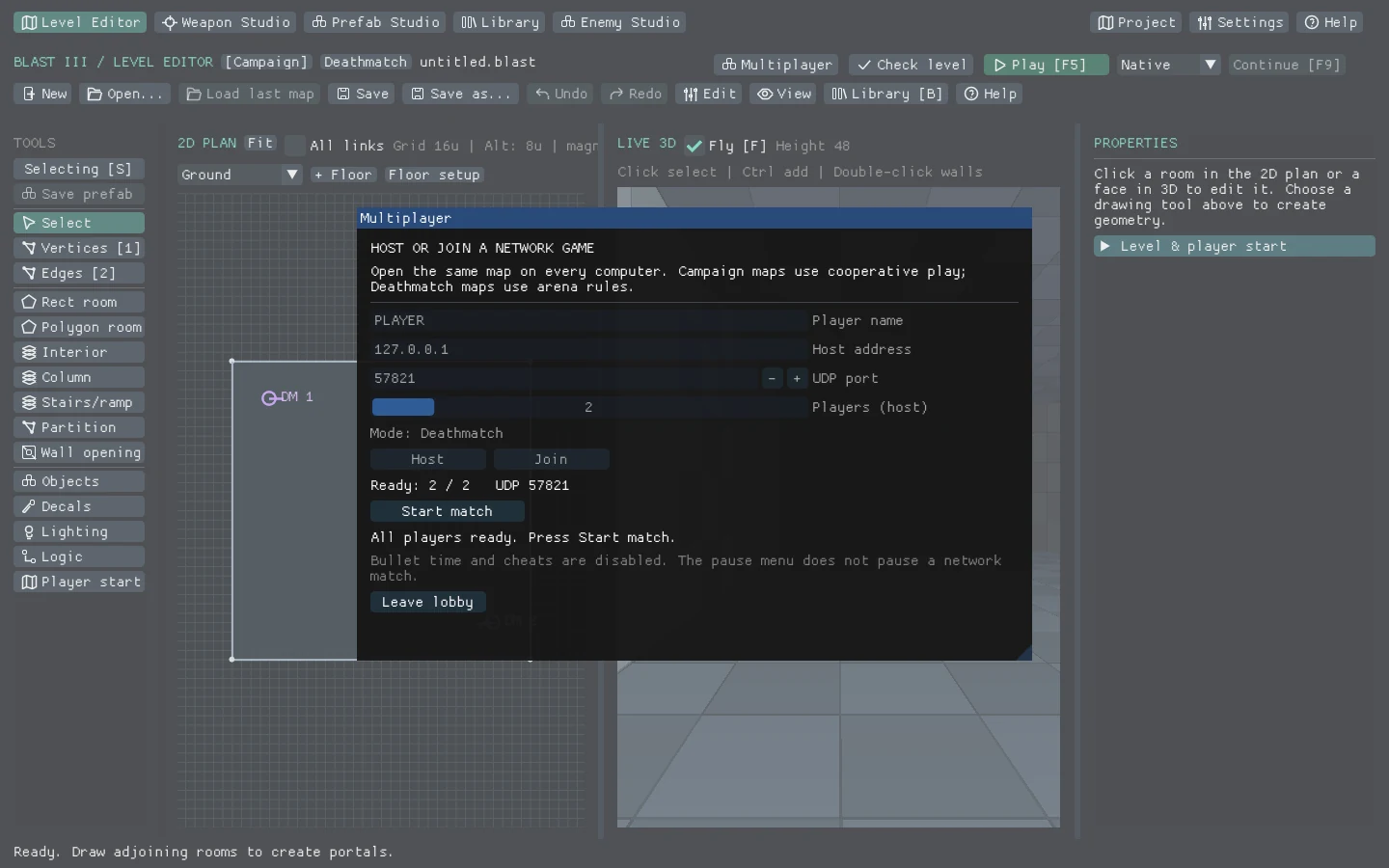 Host a shared session
Local movement prediction responds before the server reply. Remote motion is interpolated, while bounded lag compensation helps instant shots account for latency.
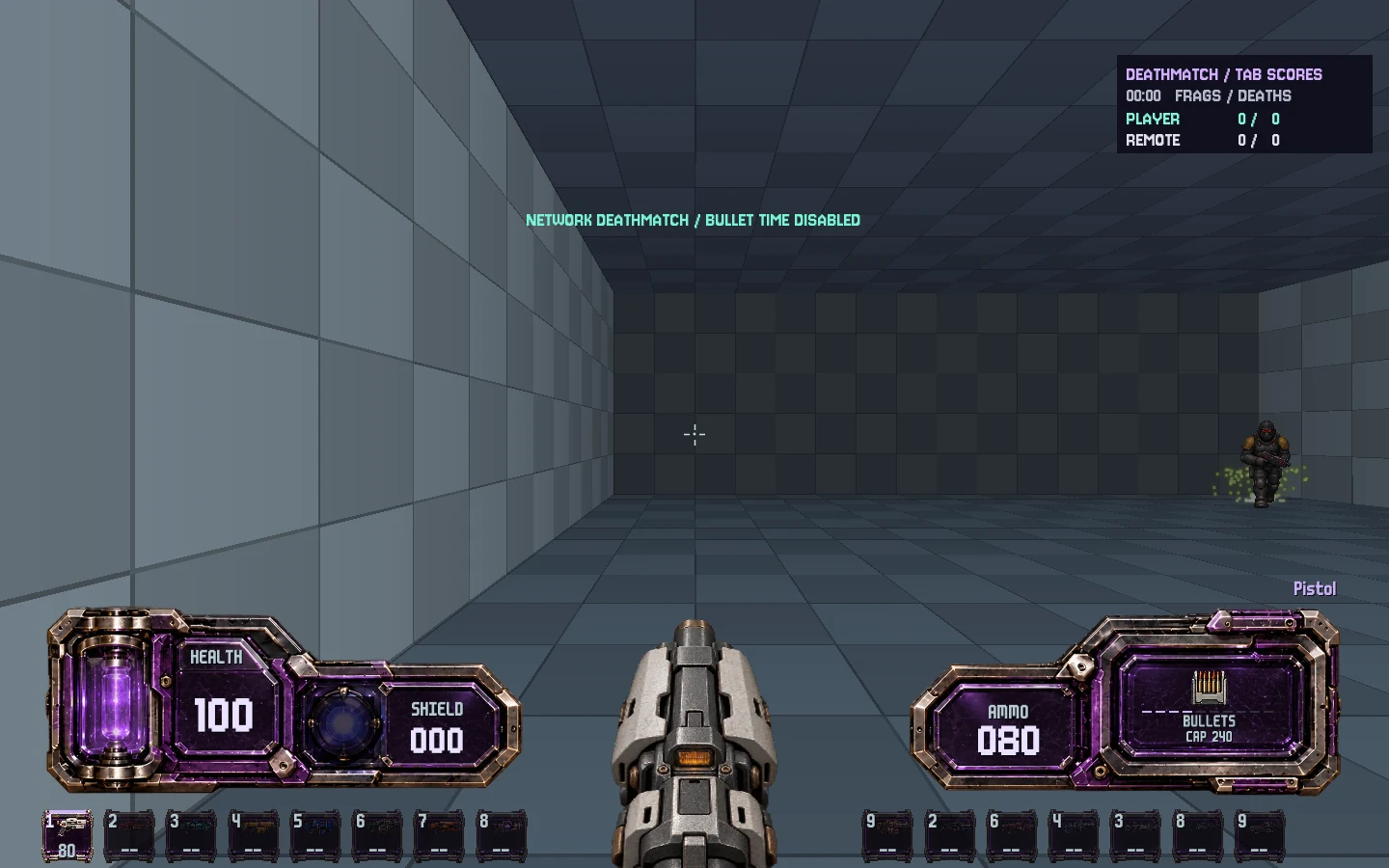 A live network session
Configure 1–7 bots, difficulty, frag and time limits, and respawn timing. Bots navigate the arena, collect supplies and contest powerups using the same combat systems.
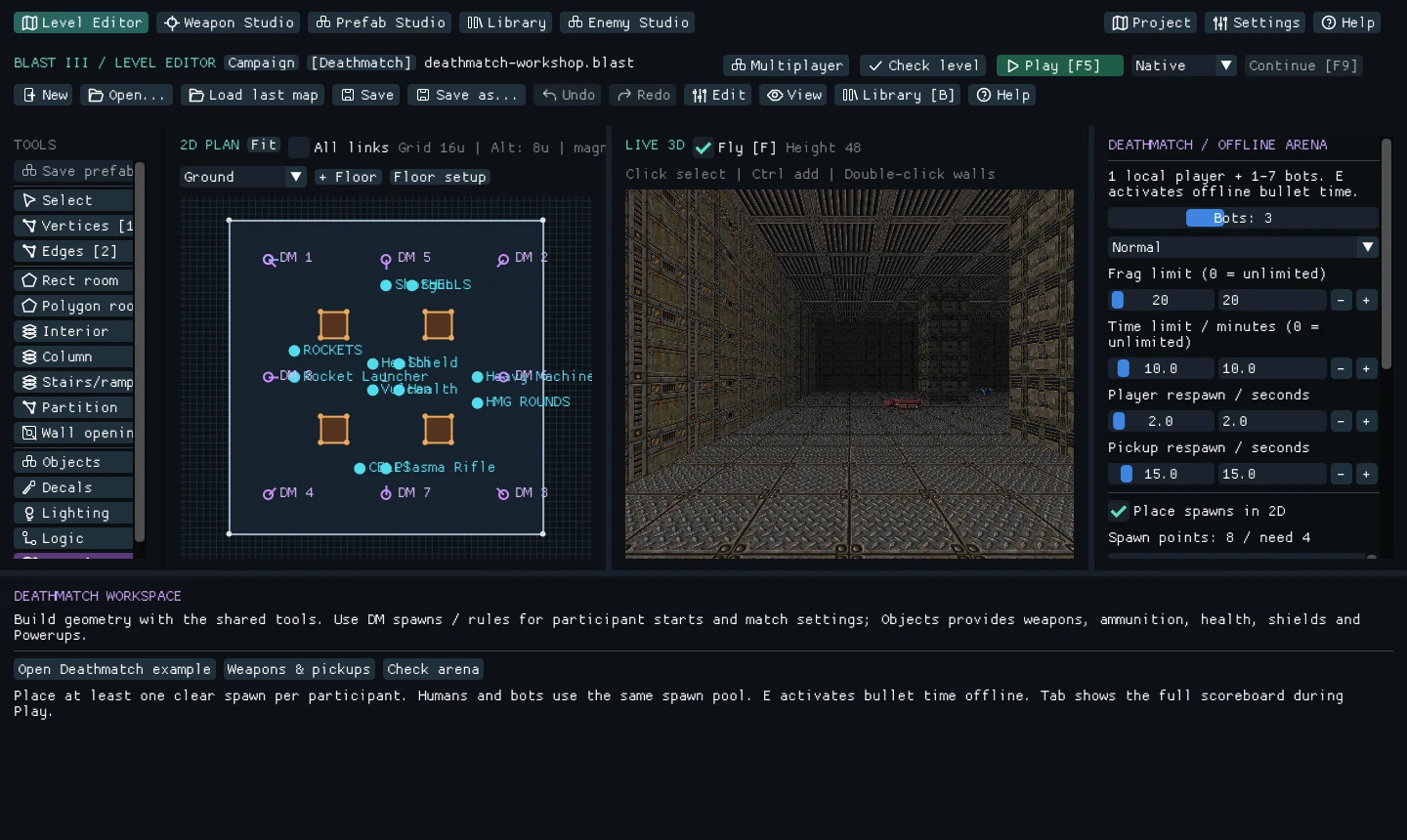 Author an arena
Quad Damage, Overdrive, Vampire, Blast Core, Arc Surge, Chrono Anchor, Kinetic Shell and Gravity Well bring damage boosts, chaining hits, a lethal-hit recall, stored blasts and pulling force.
Powerup feedback in PlayF5 moves from editing to testing. Isolate selected rooms in both views, retain independent Studio histories and use automatic editor recovery. Read-only checks include advisory routes to keys, exits and buttons; they do not simulate every jump or timed mechanism.
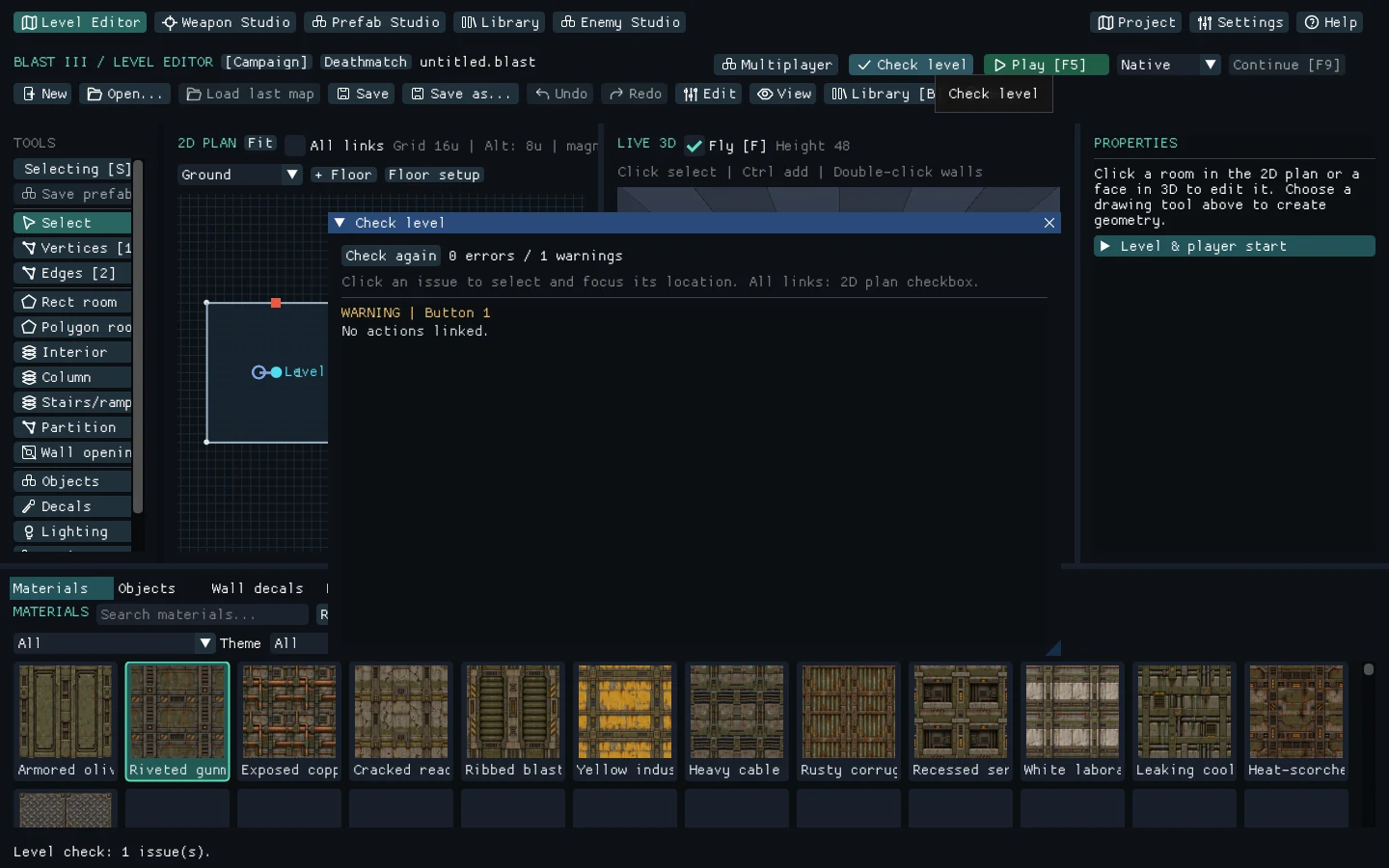 Inspect the level
A scalable player HUD presents vitals, ammunition, time charge and transient weapon selection. Full game sessions support quicksave and six thumbnail-backed manual slots.
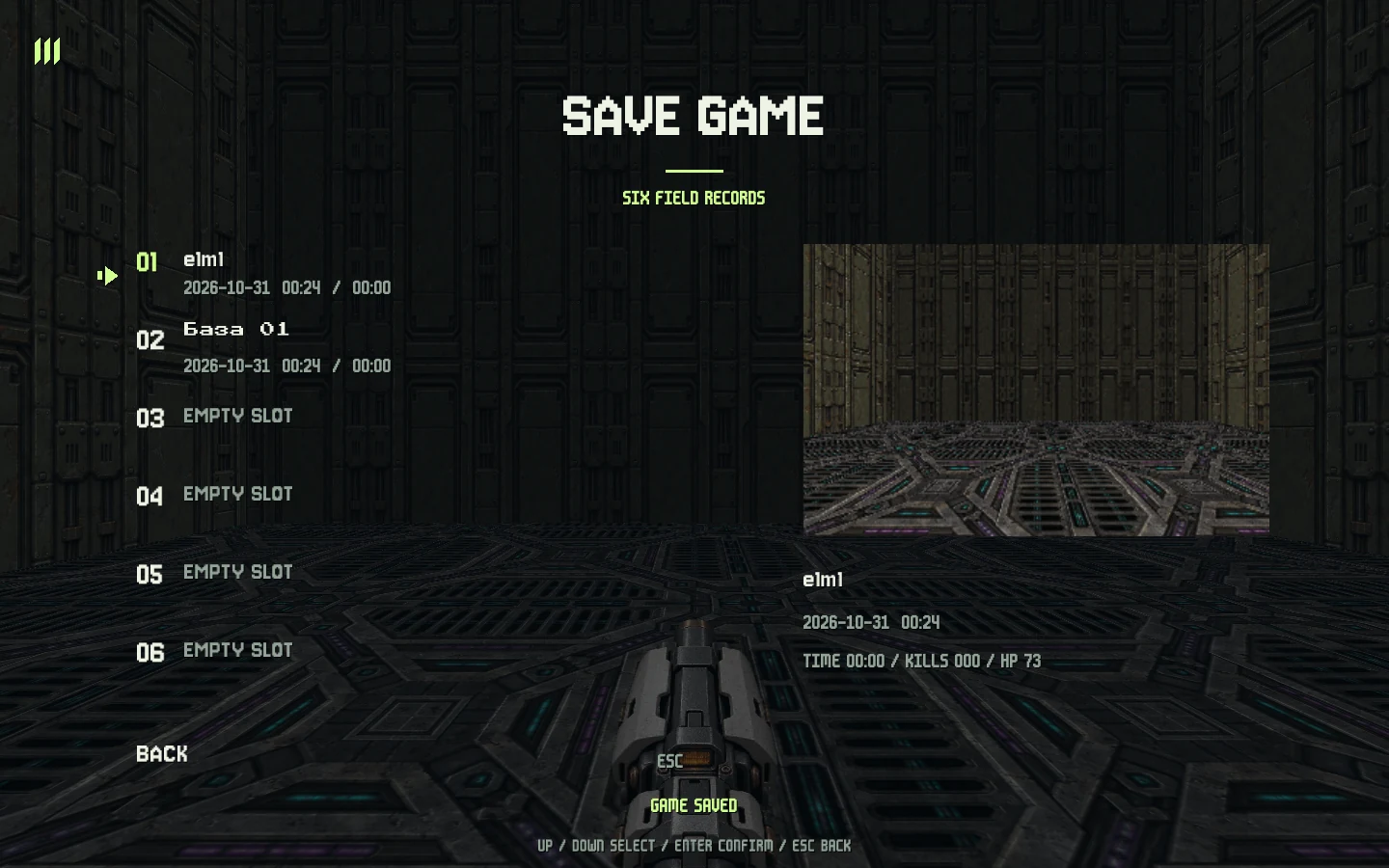 Keep your place
Package linked levels, textures, runtime art, audio and Studio loadouts with your chosen game title. Select a render height from 240p to 1080p or Native, with optional texture and atlas optimization.
Export resolution and assetsInspect frame history, CPU work, supported GPU timings, process memory and tracked resource payloads. Spatial culling, selective mesh uploads and prepared resources support larger scenes.
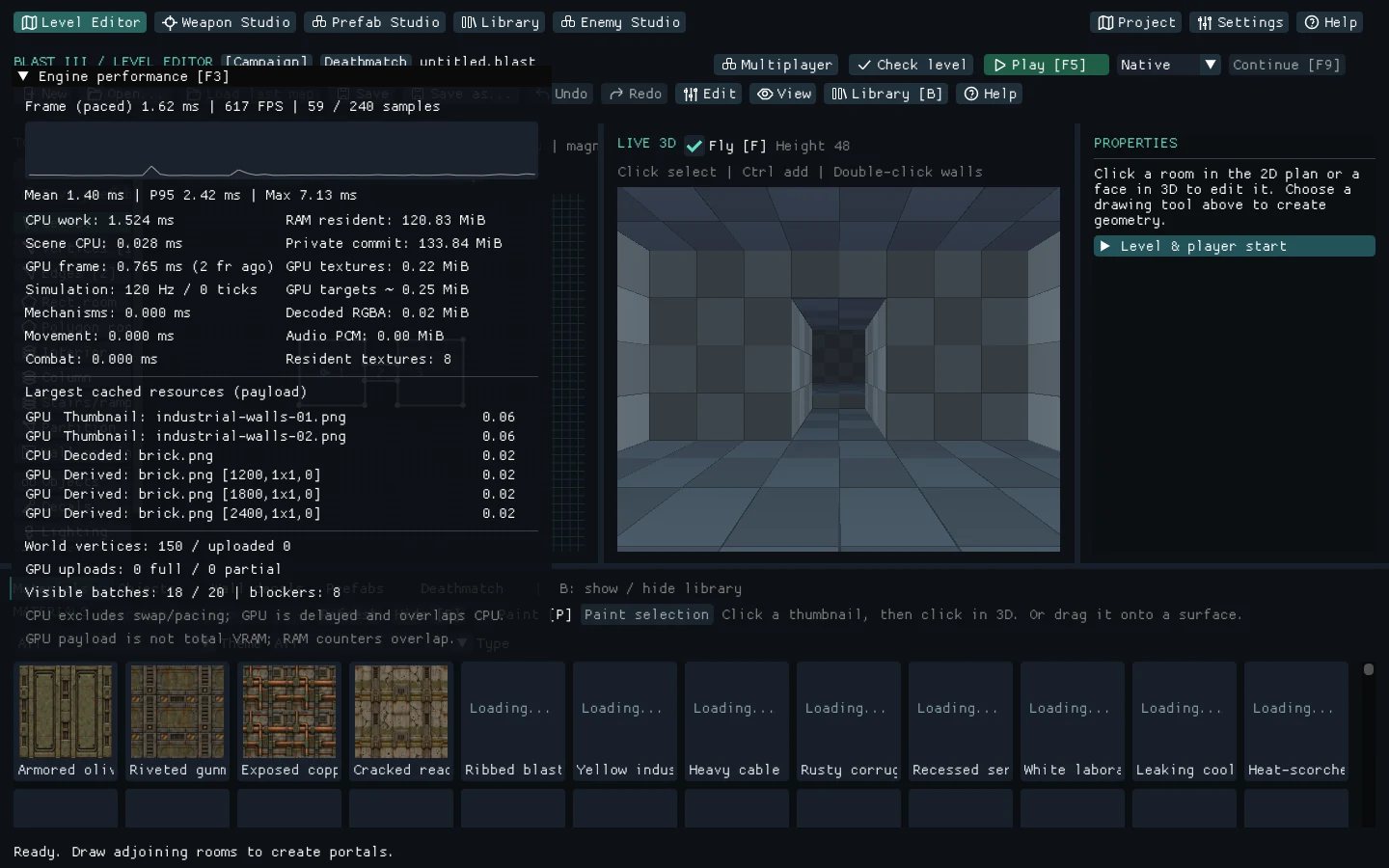 Measure the frame
On Windows, F10 starts and stops a 1080p, 30 FPS H.264 MP4 recording with the game view, weapon, HUD and stereo game audio. Encoding runs in the background; no player-side FFmpeg installation is needed.
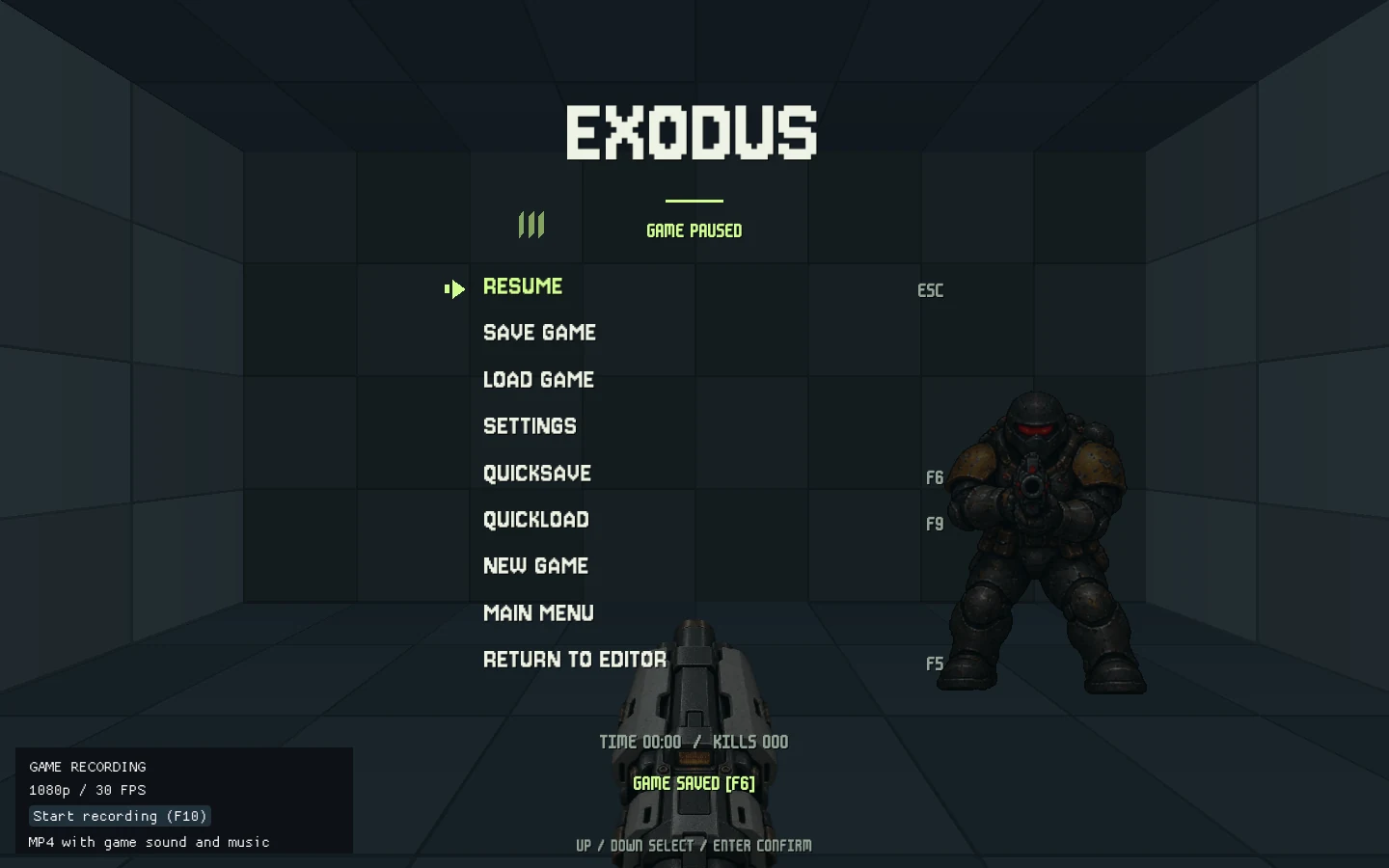 Record a play session
Pinned project dependencies and build fallbacks are bundled in the repository. Windows, Linux and macOS have build entry points; a compiler, platform SDK and graphics driver must already be available.
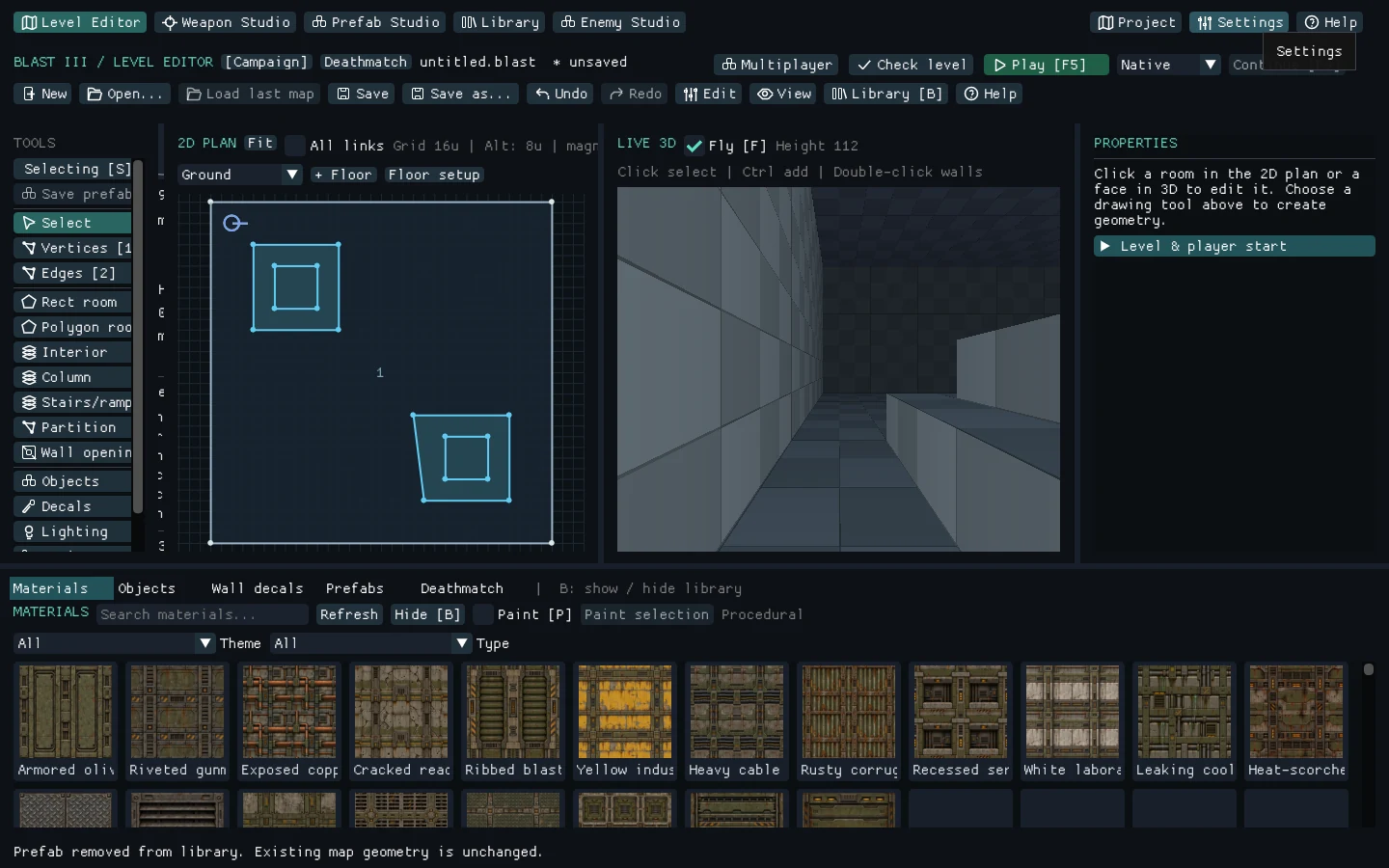 The live editor
Current development capabilities. Windows is the verified development platform; Linux and macOS build workflows still need native platform validation.
Recent additions and refinements across the engine, authoring tools and game presentation.
Explore all featuresRoom extrusion, selection arrays, checked property transfers and group prefabs speed up layout work. Isolate rooms in both views and inspect advisory reachability to keys, buttons and exits. Watch the editor workflows.
Shared surface editingEditable motion paths, ejected elements, replacement insertion and socket-bound muzzle and smoke effects bring more of the mechanism into Studio.
Time the mechanismEight contested powerups join bots and direct-IP matches, with timed effects, physical drops and clear carrier feedback.
Powerup feedback in PlayRefined HUD layout and scaling, a temporary weapon strip and thumbnail-backed saves improve the player-facing presentation. See the game's Chrono direction under Games.
Keep your placeExpanded architectural materials and scene-lit weapon bodies join the F3 timing and resource profiler, plus configurable render resolution and optimized standalone exports.
Light the spaceCapture a Windows play session to 1080p MP4 with its actual stereo sound mix using F10 or the pause menu.
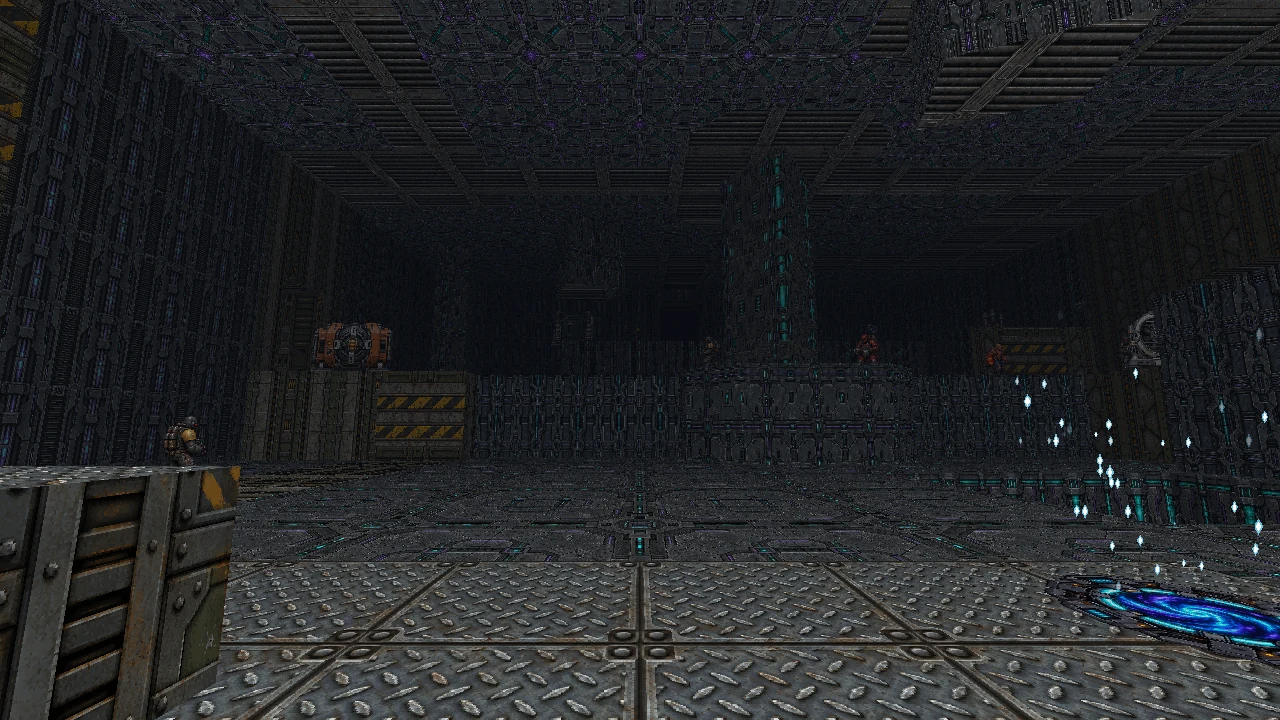
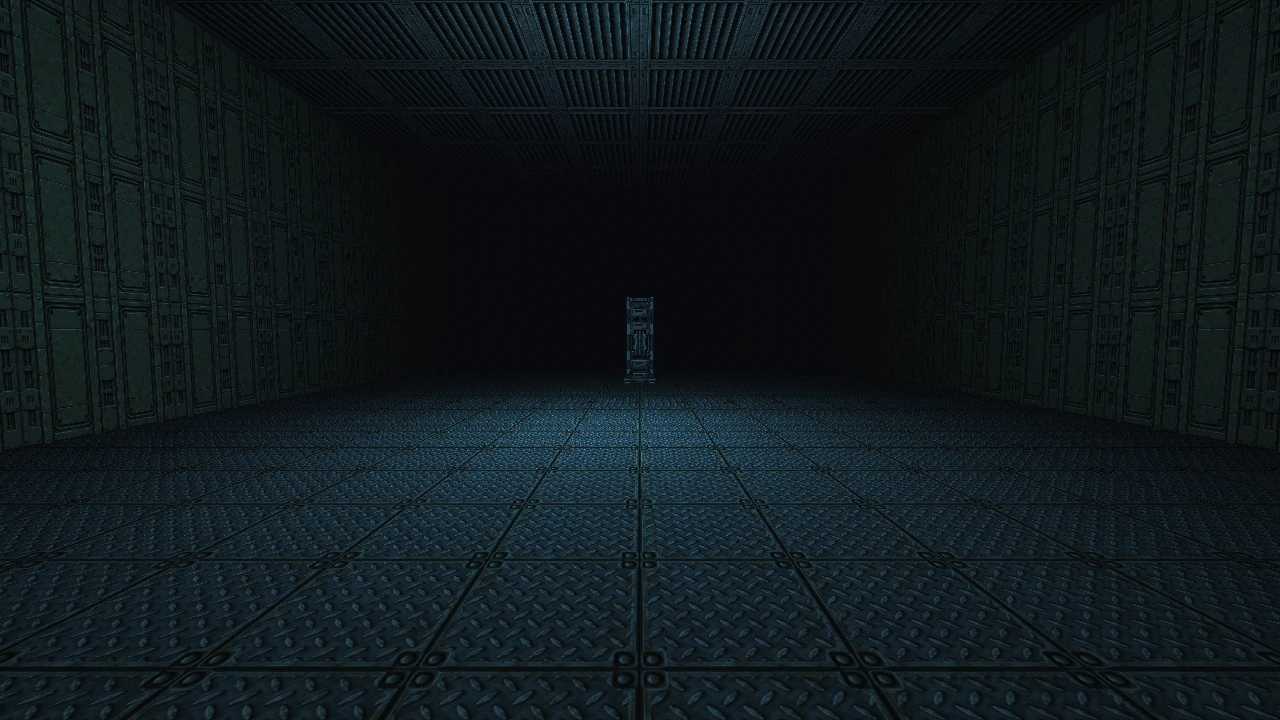
Record a play sessionCyber-industrial spaces with a photographic material identity. Every image below demonstrates the engine's world rendering.
SELECT A SCENE · CLICK TO EXPANDStacked walkways, connected side openings and room-over-room geometry.
A level is only the beginning. Build weapons from parts, animate their mechanisms and make reusable pieces of your world.
2D precision meets immediate 3D feedback. Paint materials, adjust heights and wire up interactive spaces without leaving the workspace.
Projectile DesignerLayer animated projectiles, tune their physics and shape their trails and impacts.Design the projectile
Enemy StudioDraw sprite masks and preview dismemberment with the same physics used in play.Preview the breakup
Four short editor walkthroughs. Watch a layout take shape, preview a mechanism, reuse a construction and step into Play.
Choose a workflow or press play. Descriptive captions are available.
The browser could not play this clip. Use the direct MP4 link above.
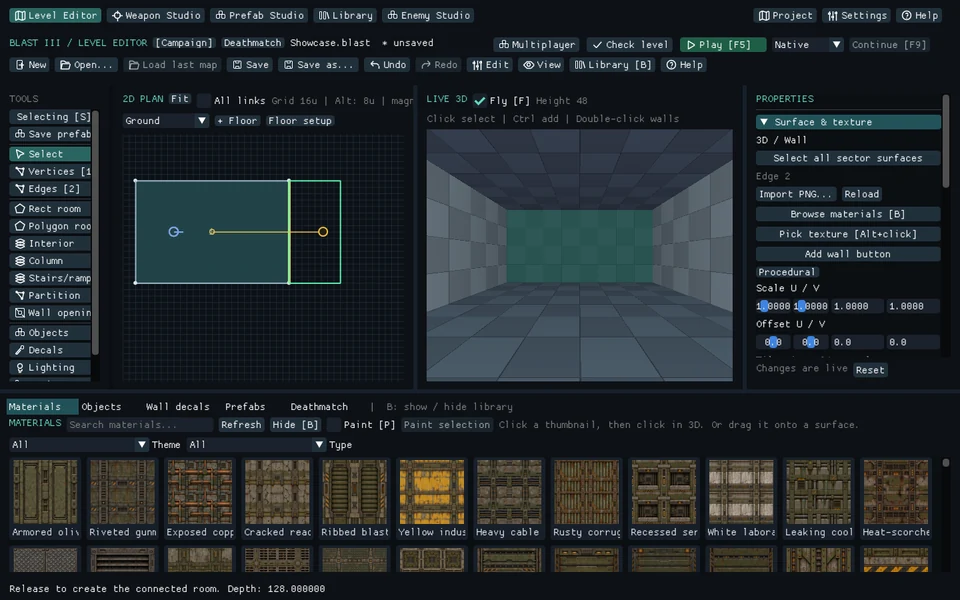 01 / 00:12Draw. Connect. Repeat.Create a room, extrude a connected space and preview an array.↗
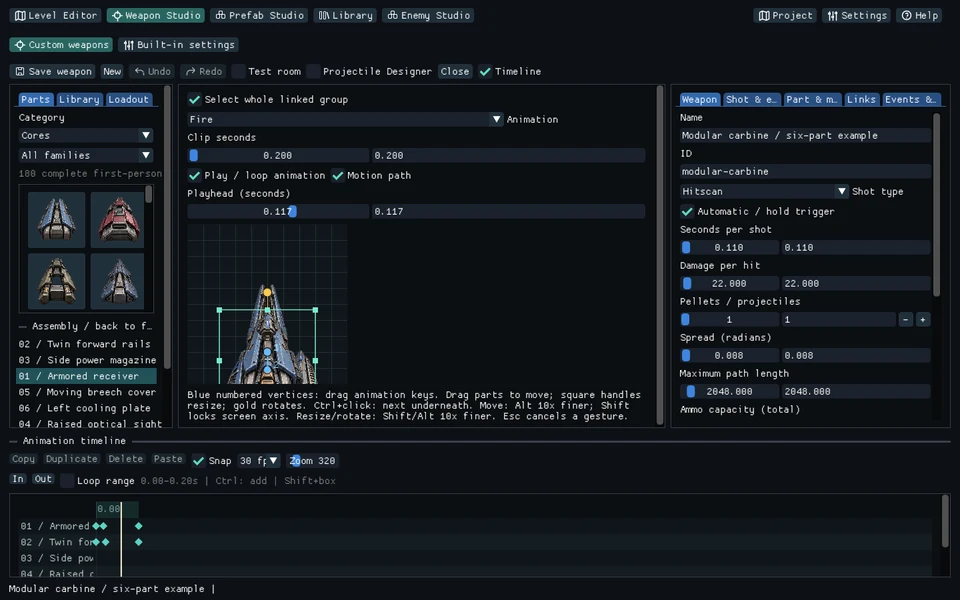 02 / 00:12Parts into motion.Preview an authored animation, then fire the weapon in its test room.↗
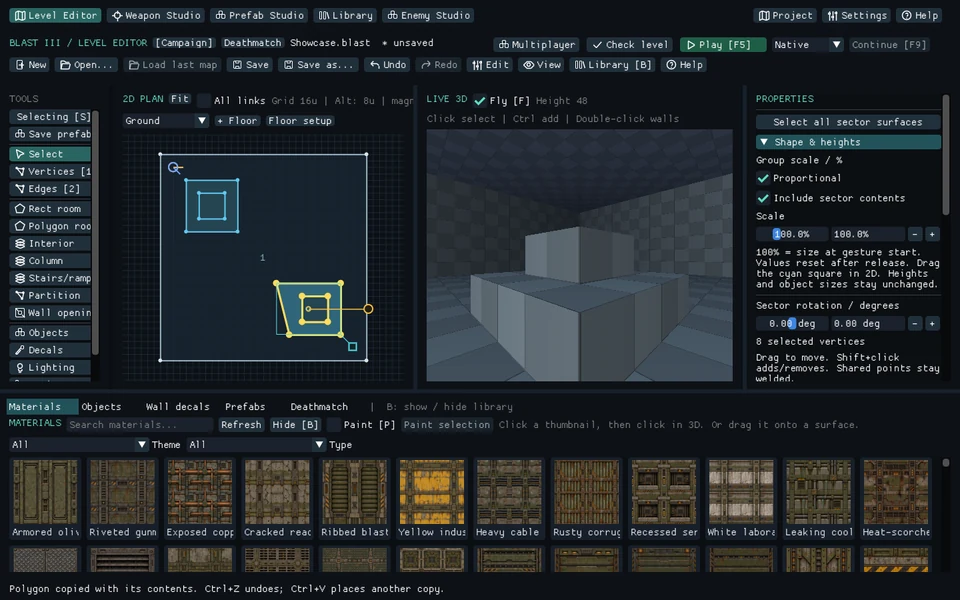 03 / 00:12Build it once.Capture a construction, edit it privately and place an independent copy.↗
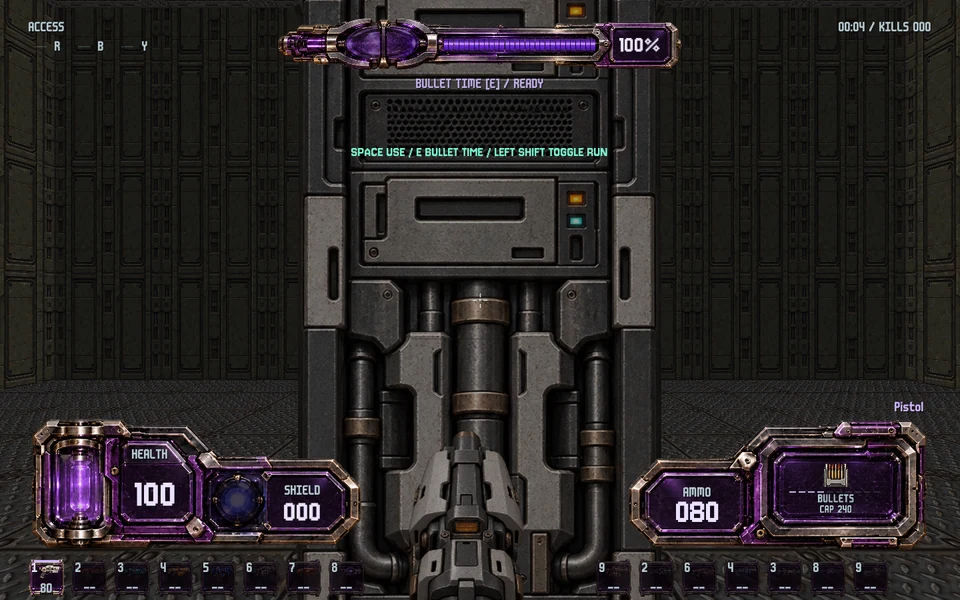 04 / 00:12Step straight inside.Use F5 to test the layout, move, enter bullet time and fire.↗
REAL EDITOR CAPTURES · Scripted demonstrations · 12 seconds each · Silent, with descriptive captions · Presentation clips do not measure loading time or performance
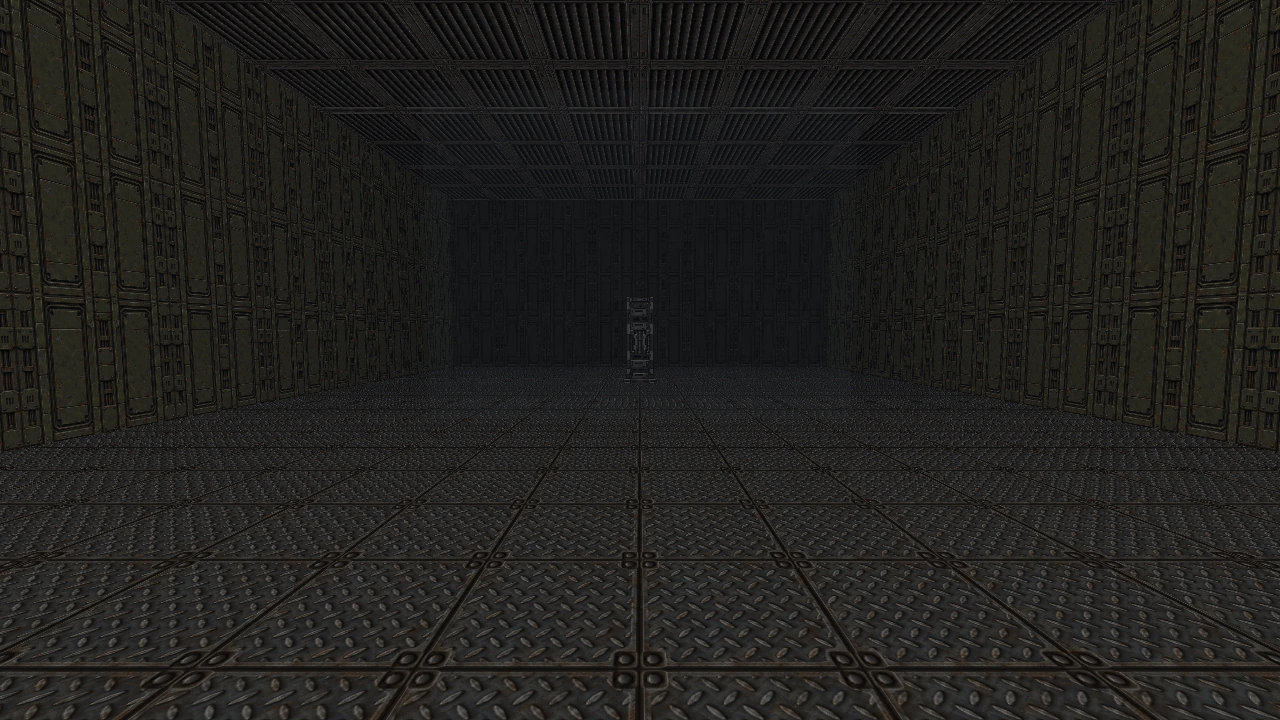
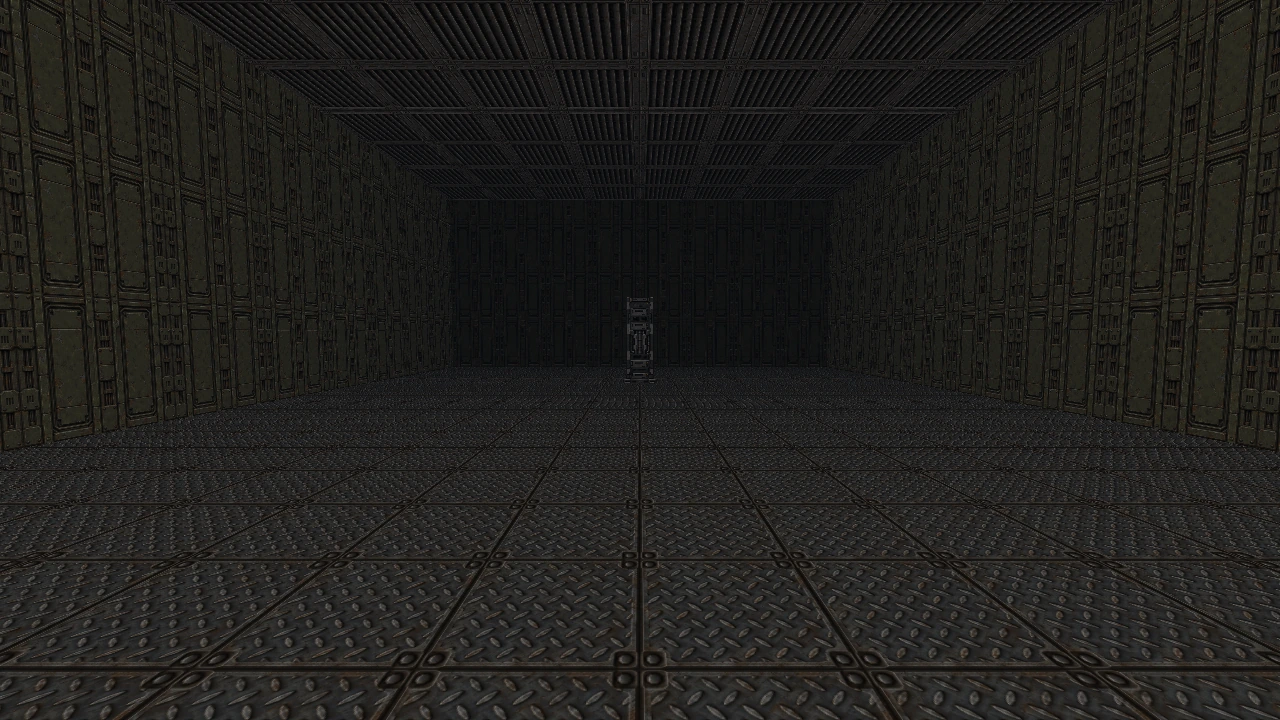
Move the divider to reveal the effect. Each pair uses the same scene and camera, with only the named setting changed.
The same scene and camera, with one cyan point light disabled and enabled.
Listen to the game's actual audio mix. Headphones make the left, front and right positions easiest to hear.
Pistol shots placed to the left, directly ahead and to the right by the actual game audio system.
World shots slow to quarter speed during bullet time; the personal transition and heartbeat retain their own clock.
CAPTURED FROM COMBATAUDIO · Supplied recordings, unchanged in the game · Native spatial balance and time scaling · No microphone, narration or synthetic replacement sounds
Two short looks at the engine's visual language — its environments and its photographic sci-fi arsenal.
Native engine scene captures: sector geometry, materials and layered interiors.
Approved Pistol, Shotgun and Vulcan animations composited over engine scenes.
Silent visual demos. The scene reel uses rendered stills; the arsenal reel demonstrates sprite animations. Neither is a gameplay recording.
An independent C++20 retro FPS engine and sector-based editing toolkit. Its 3D scenes use OpenGL GPU rendering, photographic sci-fi artwork and crisp retro sampling.
The live editorYes. Export game packages a saved starting map, linked levels, portable textures, runtime artwork, audio, weapon settings and assigned Studio designs. Choose the game title, render height and optional image optimization. The exported game starts directly in Play, with its own settings and saves; authoring masters stay unchanged.
Export resolution and assetsDirect-IP cooperative campaign and Deathmatch support 2–8 players. The host runs authoritative simulation with client movement prediction, remote interpolation and bounded instant-shot lag compensation. Players need matching maps and assets. Offline Deathmatch supports bots; eight powerups work in arenas. Bullet time and cheats are disabled online.
Host a shared sessionThe repository includes the pinned project dependencies and build fallbacks for offline builds. A suitable compiler, operating-system development SDK and graphics driver must already be installed. Windows uses the permanent build and installation workflow; Linux and macOS have native build entry points, with runtime validation still pending on those platforms.
The live editorBlastIII is in active development. This page is a showcase of its current tools and visuals; a public release and download are not available here yet. Windows is the current verified development platform; native Linux and macOS workflows still require platform testing.
THE NEXT WORLD STARTS WITH AN IDEA.